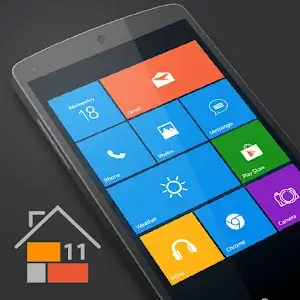

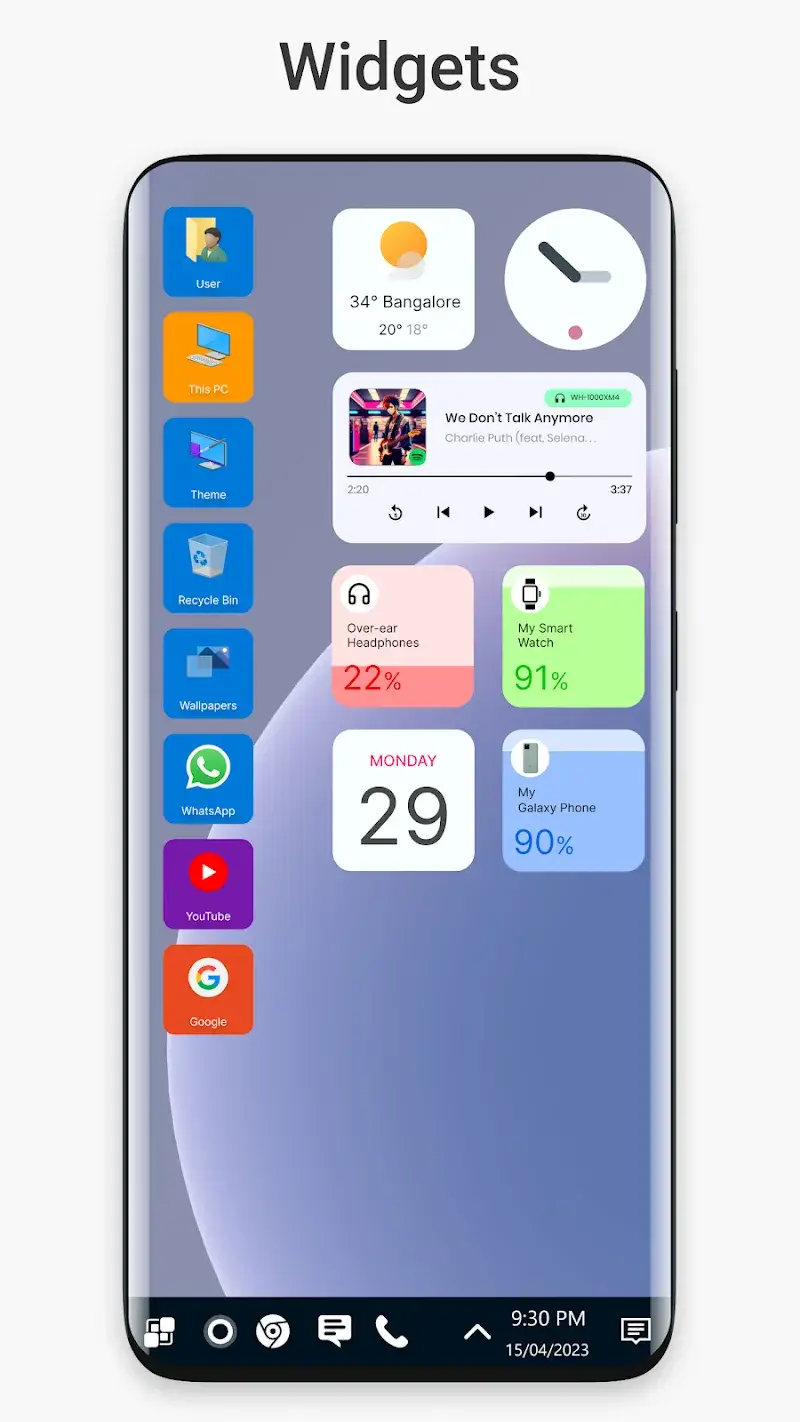
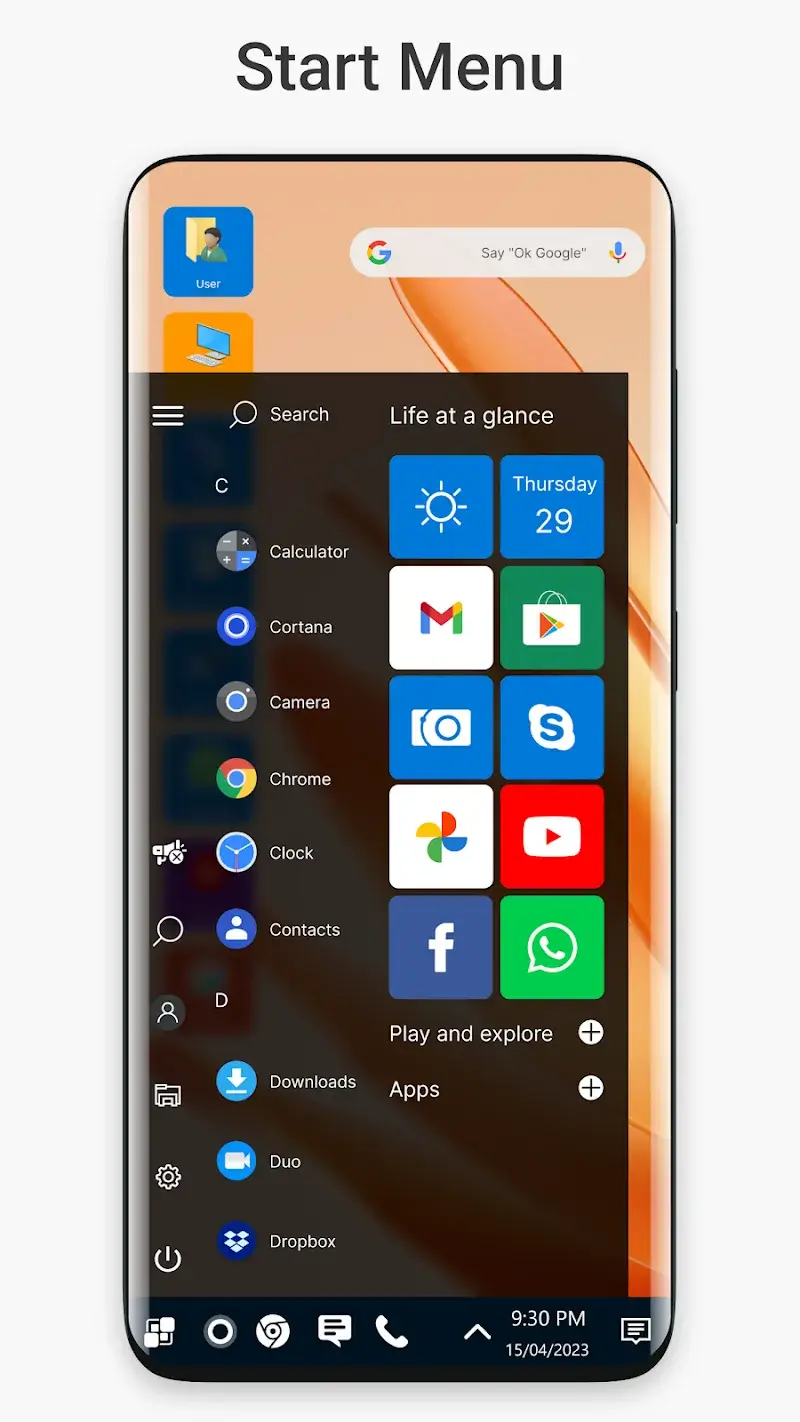
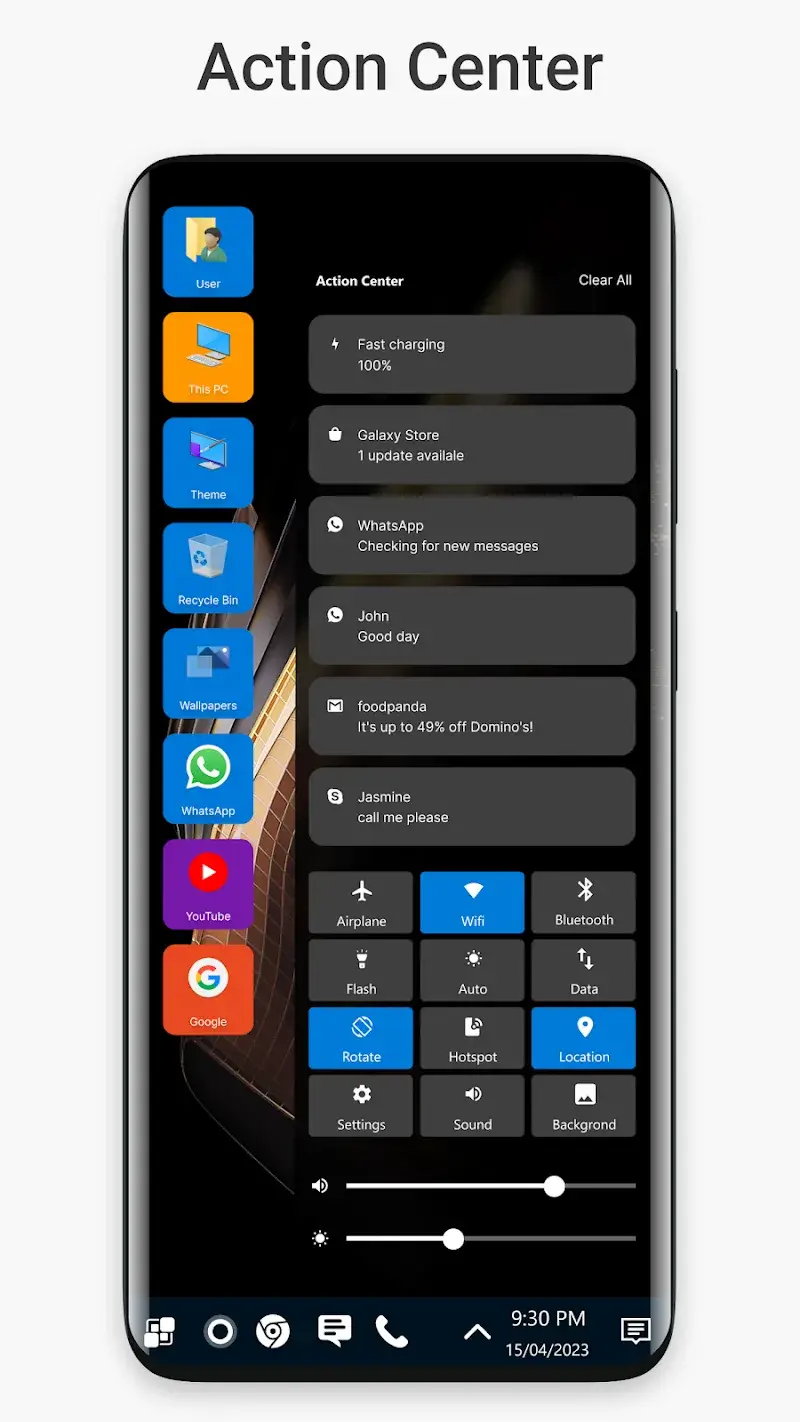
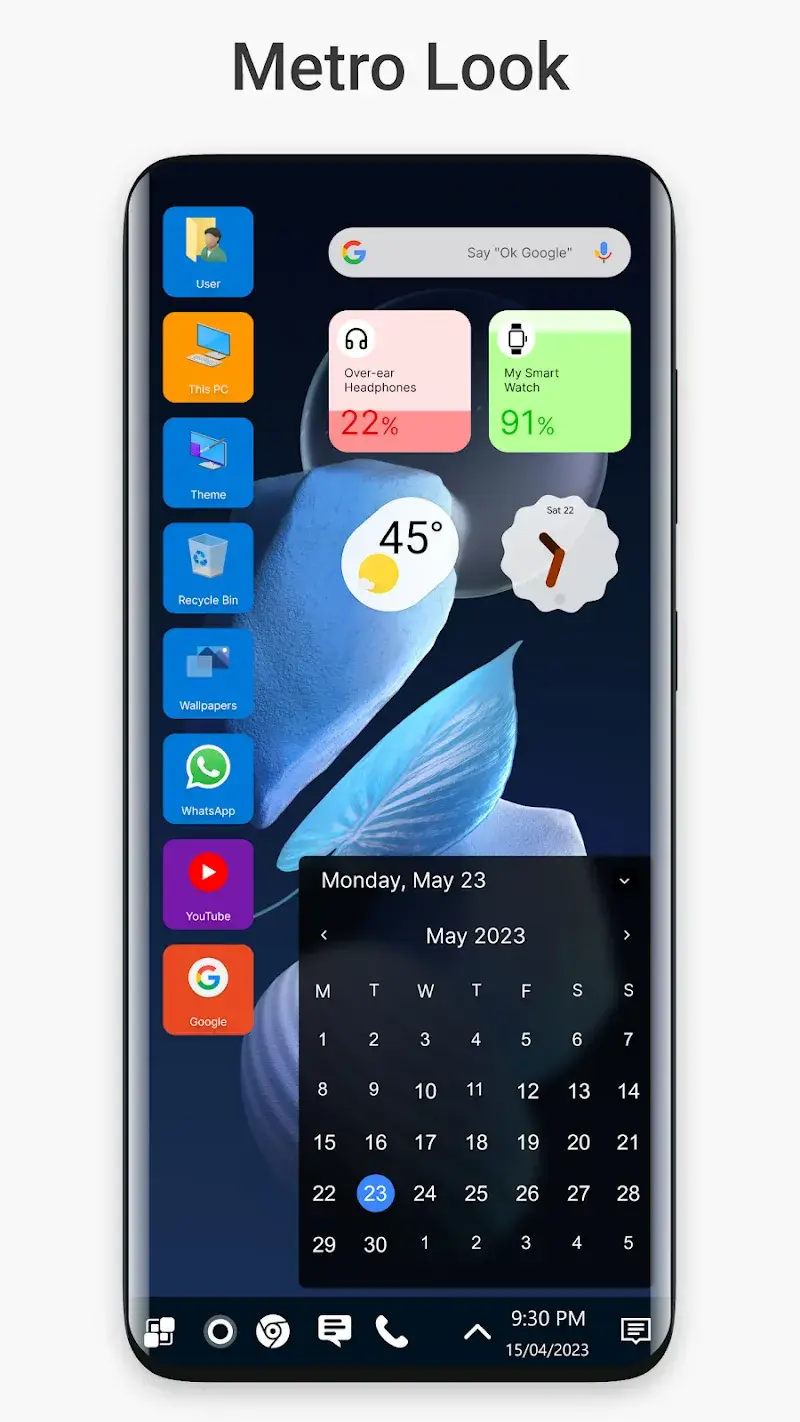
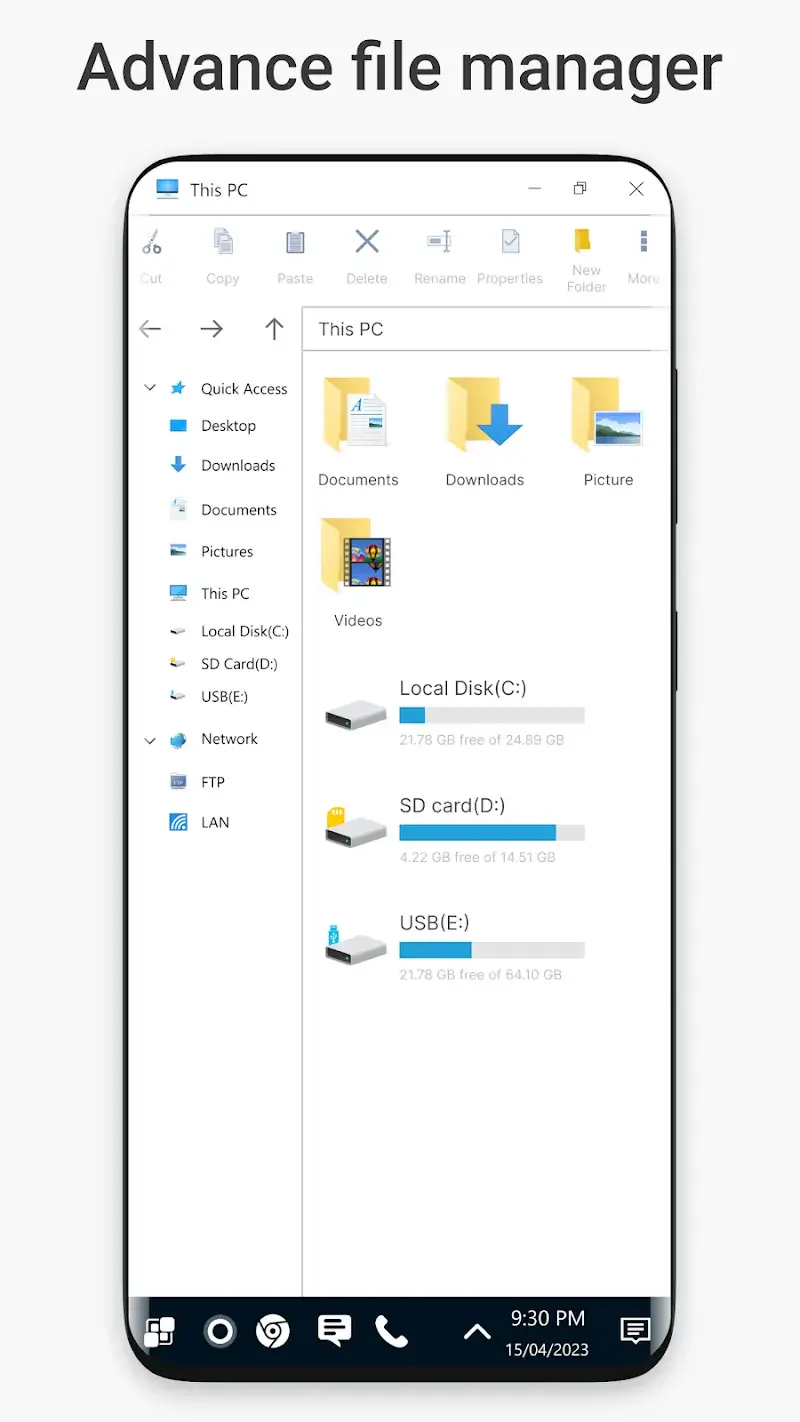
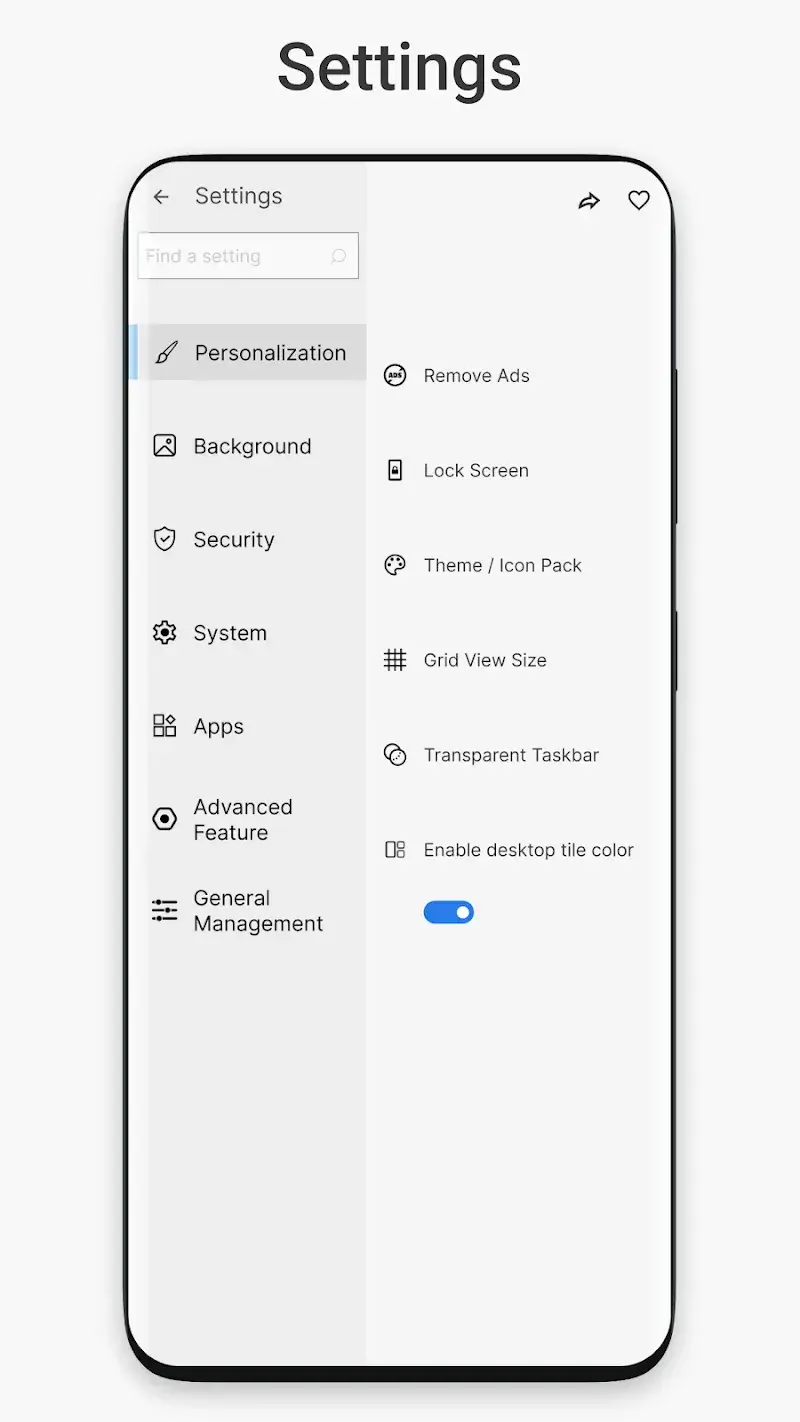
Win 11 Launcher Mod is a system tool that replaces the standard Android home screen with a full Windows 11 desktop simulation. It is designed for users who want a PC-like workflow on their mobile device, offering a start menu, resizable live tiles, and an integrated file manager. The mod version removes the paywall for premium features.
What This Mod Unlocks
- Premium features unlocked. All paid customization options are available without purchase.
- Ads disabled. Promotional banners and interstitial ads are removed from the interface.
- Pro widgets and tiles unlocked. The full library of Windows-style widgets is accessible.
- Advanced theme customization unlocked. All color schemes and layout options are enabled.
After installing the mod APK, the premium features are active by default. No activation code or manual unlock step is required. The app will launch with the full feature set.
Win 11 Launcher Mod requires Android 10 or higher. It does not require root access. The installation will consume approximately 25 MB of storage for the APK file, plus additional space for cached data and user themes.
Installation steps are standard. First, enable installation from unknown sources in your Android security settings. Second, download the provided mod APK file. Third, open the downloaded file using a file manager to begin the installation. Fourth, confirm the installation prompt. Finally, open the app and set it as your default launcher when prompted.
Some edge cases exist. The launcher may consume more battery than stock launchers due to active widgets. Clearing the app data will reset all customizations to the mod's default unlocked state. On some devices with heavily customized OEM skins, certain gesture navigations might conflict. The Windows 11 simulation is visual only; it does not run actual Windows executables.