
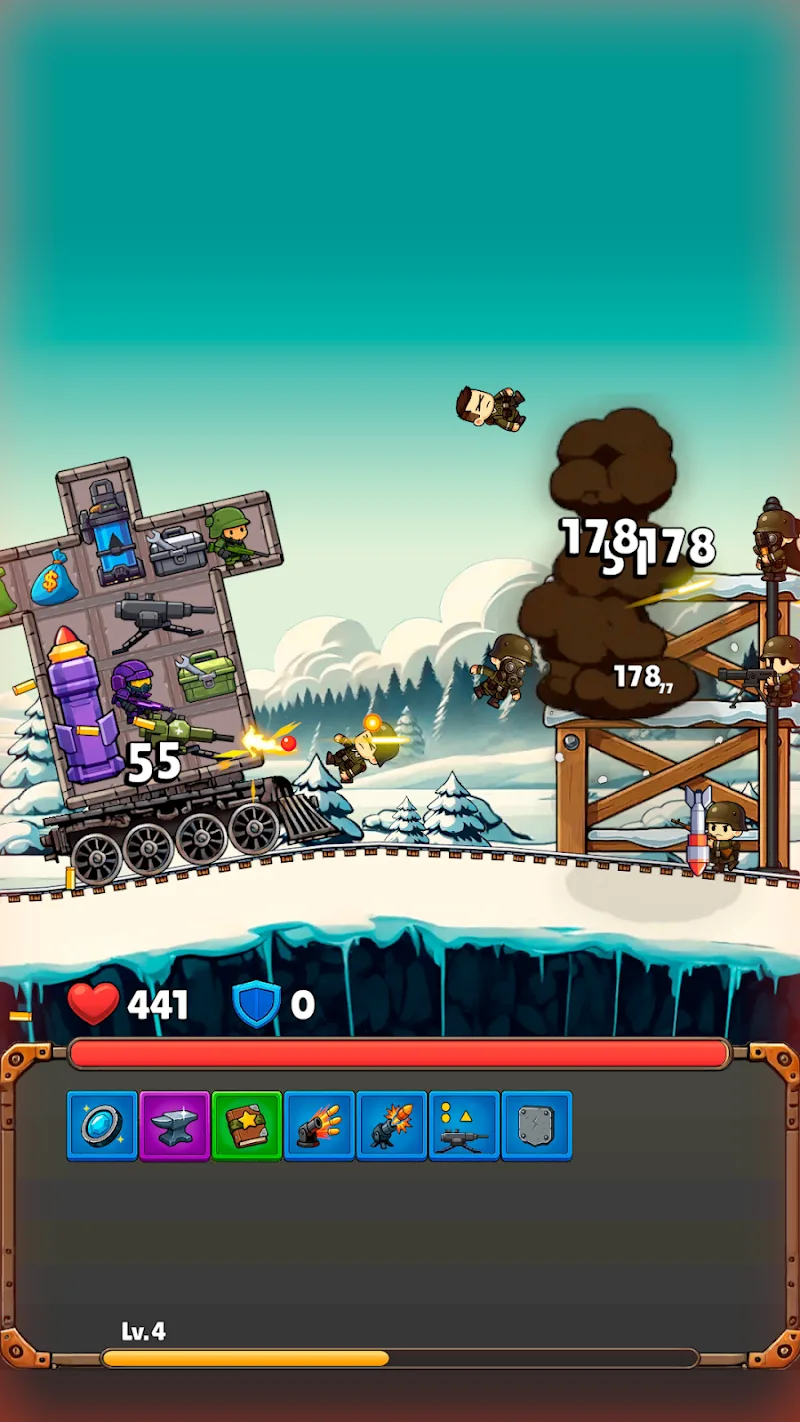
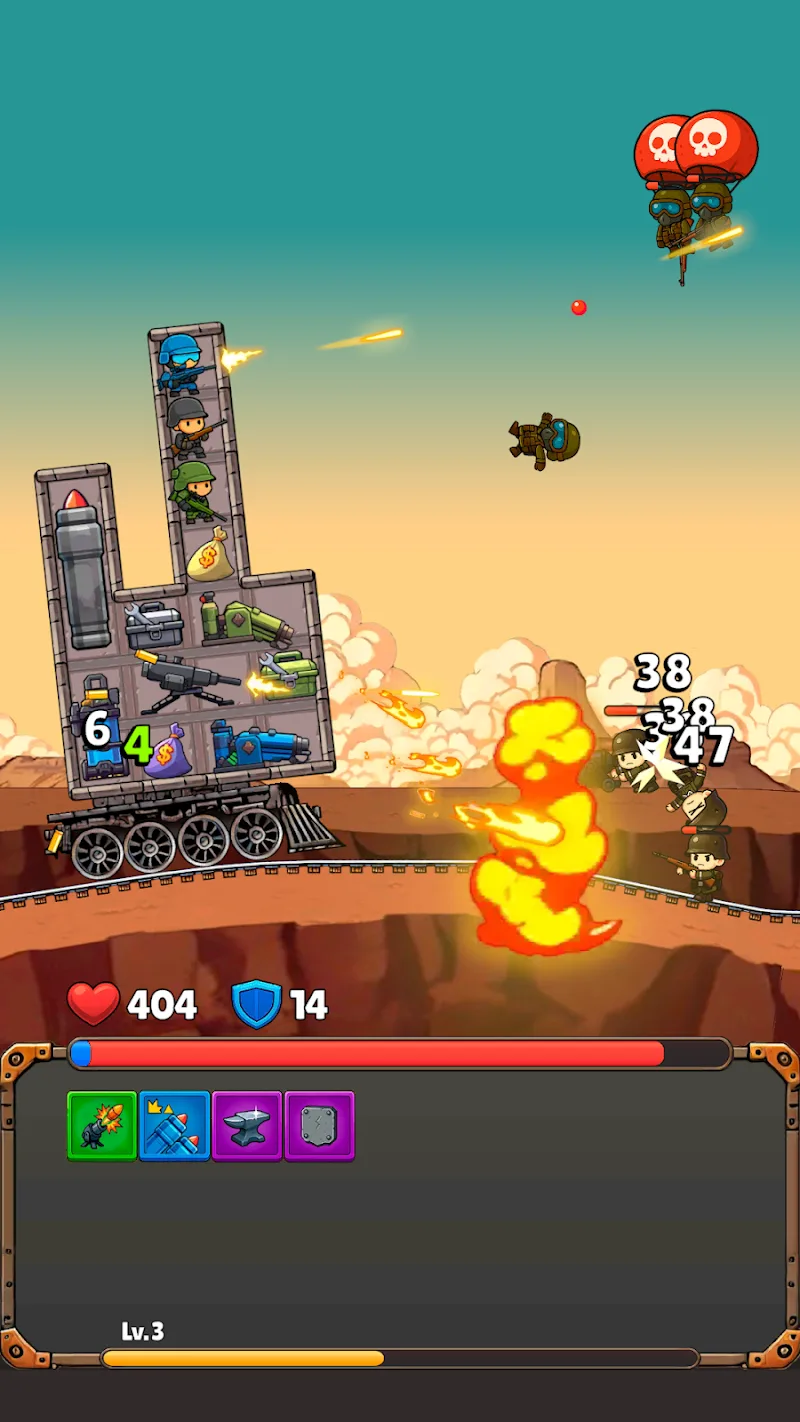
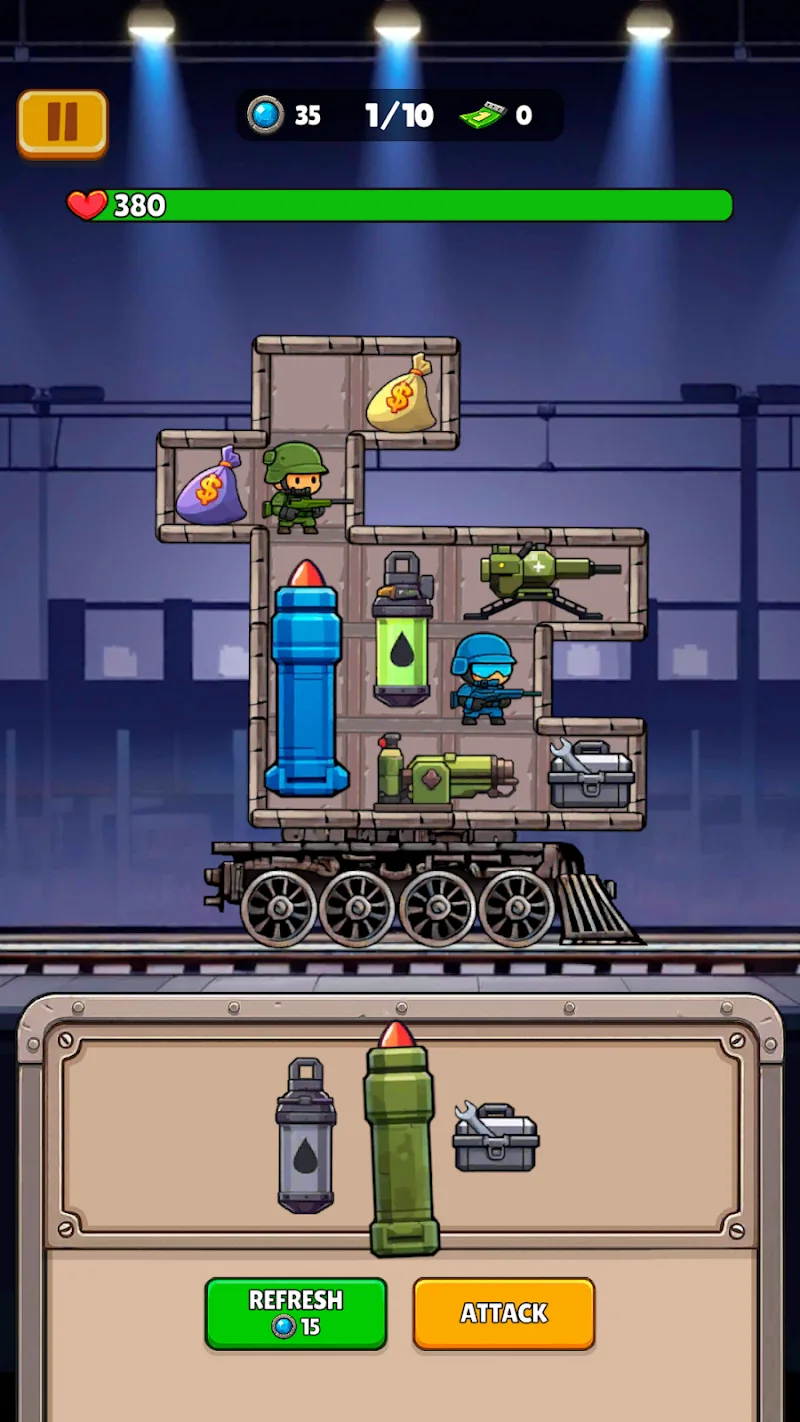
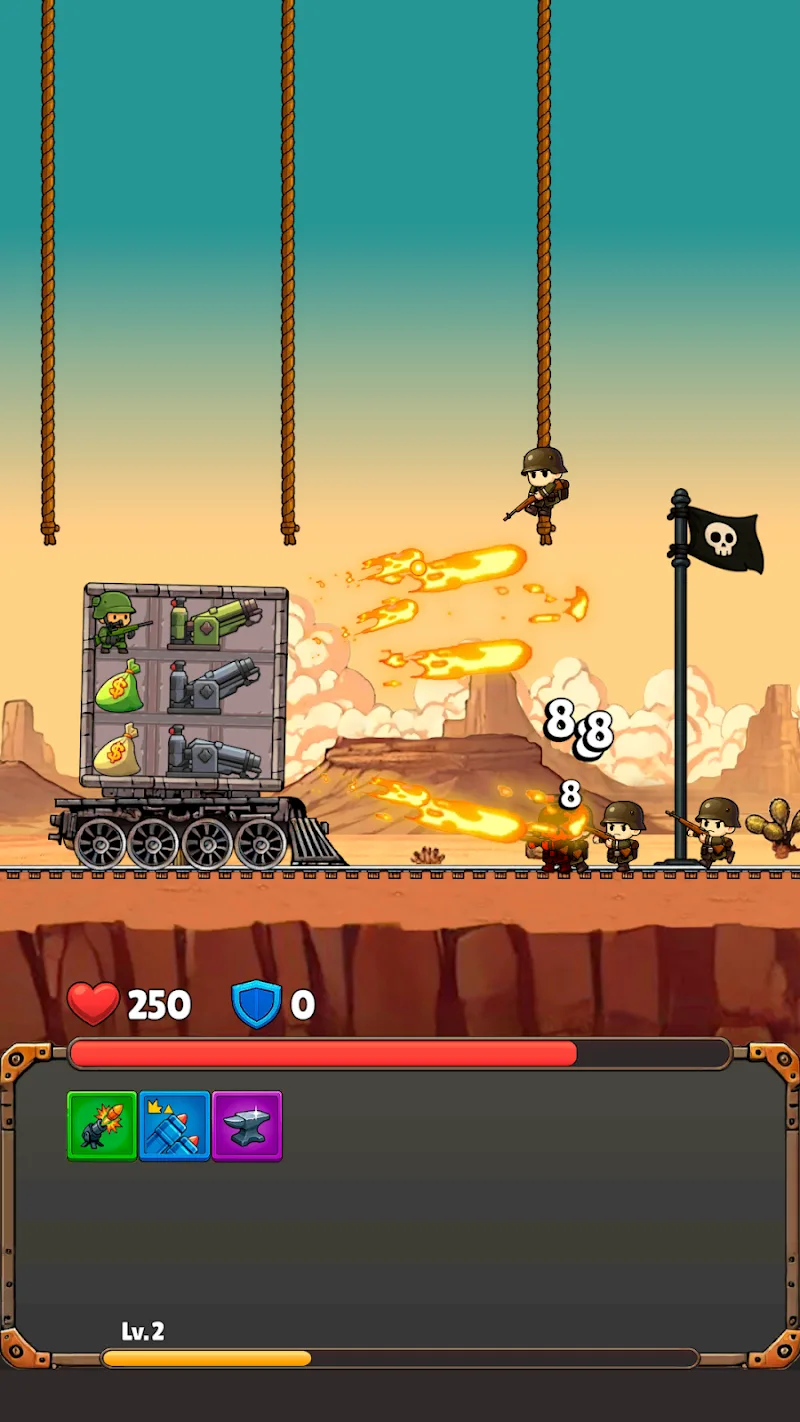
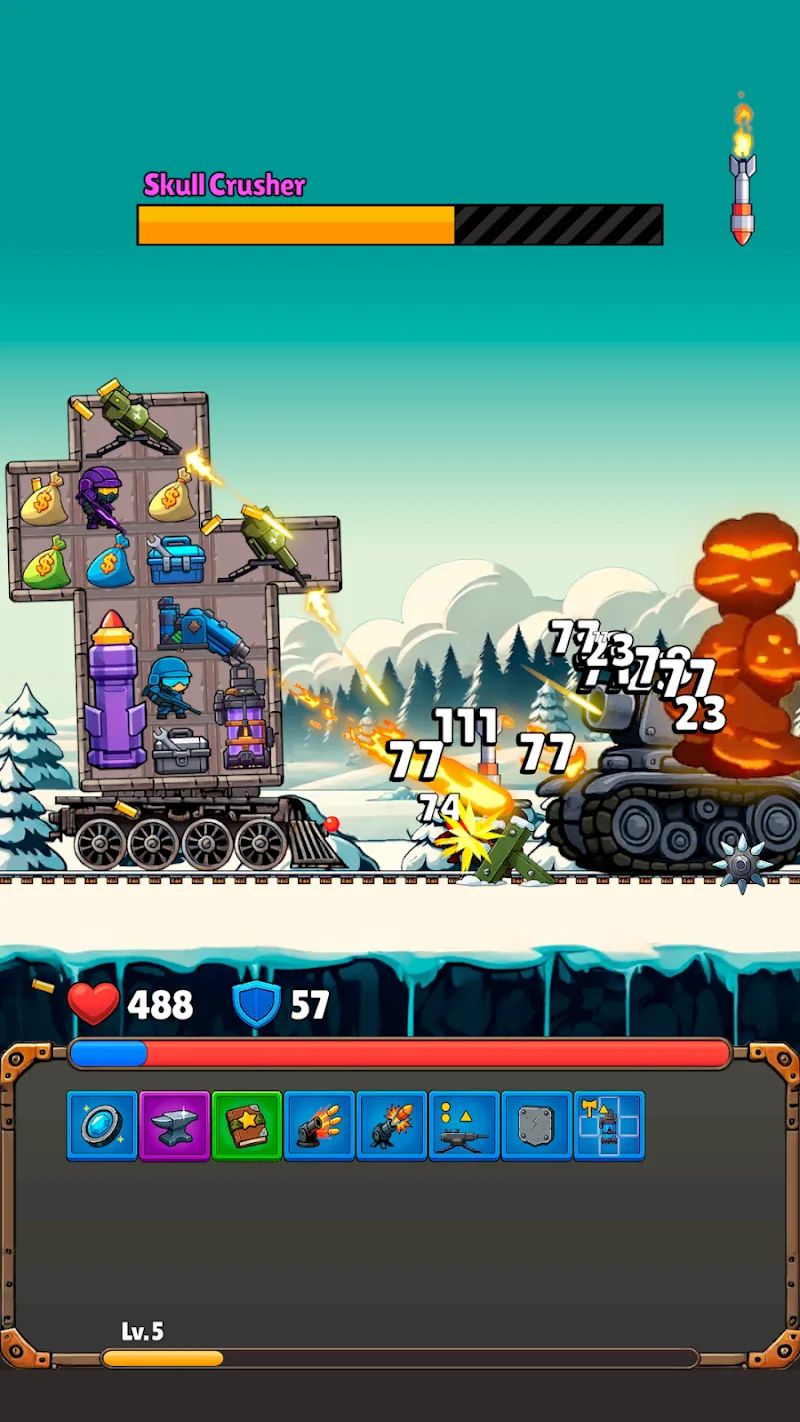
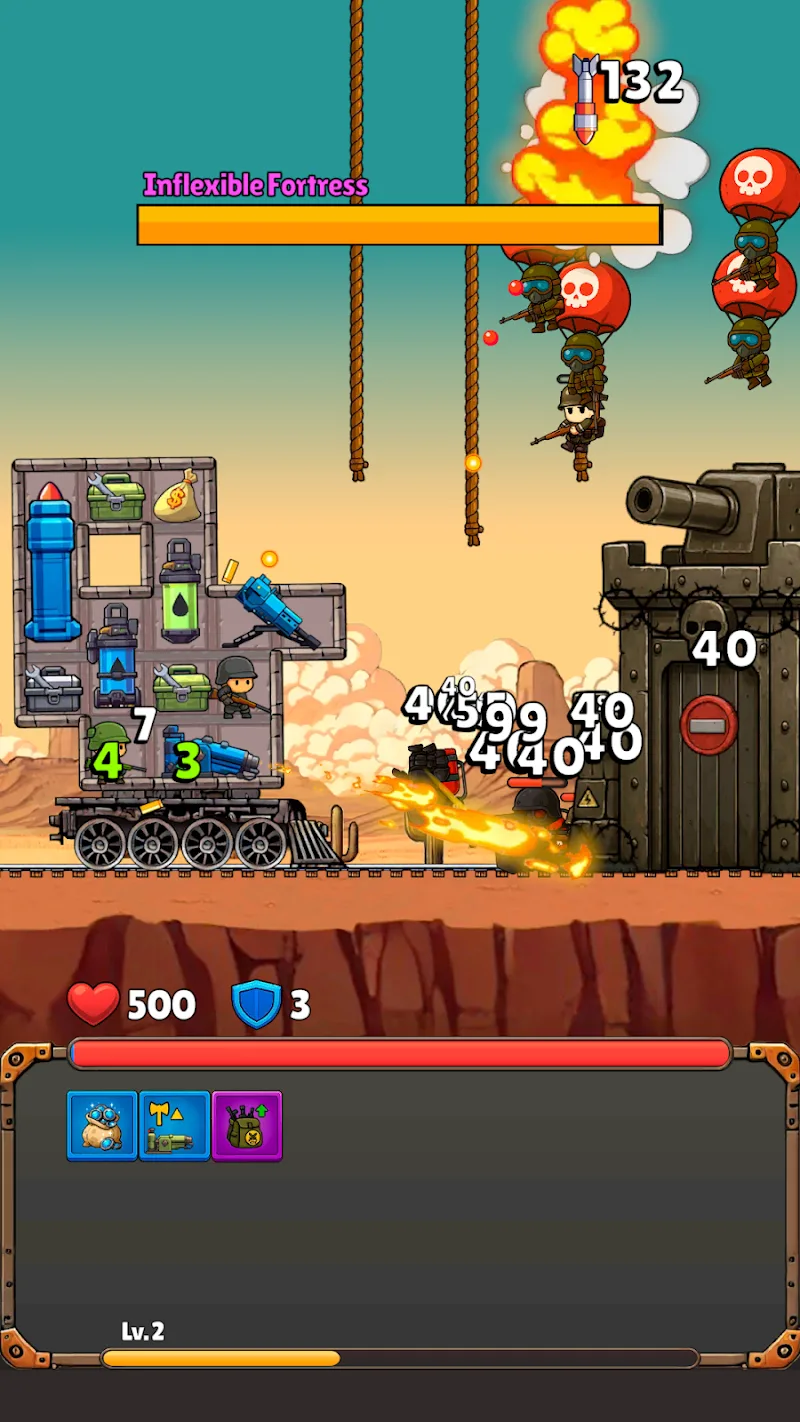
Train Attack Mod is a strategy game focused on tactical resource management and real-time combat. Players command a mobile train that functions as a weapons platform, merging identical weapons into more powerful versions to defeat enemies and bosses across varied terrains. The core challenge is spatial and strategic: managing limited slots on train cars while adapting weapon loadouts to different battlefield conditions. It targets players who enjoy incremental progression systems and tactical planning within an action framework.
What This Mod Unlocks
- Mod Menu: A toggle interface overlay providing direct access to all cheat functions.
- God Mode: Player train receives zero damage from all enemy attacks.
- Damage Multiplier: Player weapon damage output is increased by a configurable factor.
- Defense Multiplier: An additional layer of damage reduction beyond God Mode, adjustable via the menu.
- Auto Kill: All enemies on screen are instantly defeated upon activation.
The Mod Menu appears as a persistent, semi-transparent button on the right edge of the screen during gameplay. Tapping this button opens the control panel. The most critical feature, God Mode, is enabled by default upon installation but can be toggled off via the menu. No in-game currency or resource modifications are present in this version.
Train Attack Mod mod APK requires Android 4.4 or higher. The installation file is approximately 97 MB. Additional data may be downloaded on first launch. Root access is not required. Standard storage permissions are needed for the app to function, matching the official version.
Installation follows the standard sideload process for modified APKs. Step 1: Download the APK file. Step 2: Enable "Install from Unknown Sources" in device settings if not already allowed. Step 3: Open the downloaded file using a file manager and confirm the installation prompt. Step 4: Launch Train Attack Mod. The mod menu icon will be visible on the main gameplay screen.
Known edge cases include potential instability if the Damage Multiplier is set to an extreme value, which may cause the game to freeze during boss encounters. The Mod Menu overlay may not render correctly on some devices with custom navigation gestures, requiring a switch to standard three-button navigation. Progress and unlocked content are saved locally; clearing app data will reset all campaign progression. There is no known online component, so detection risk is minimal.