
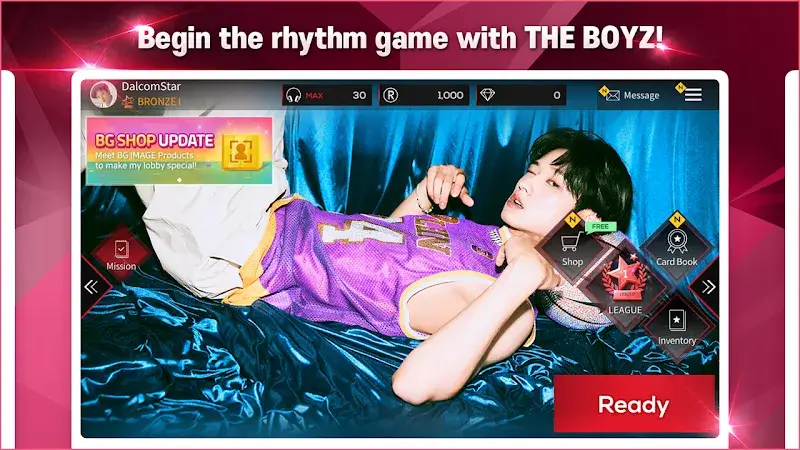
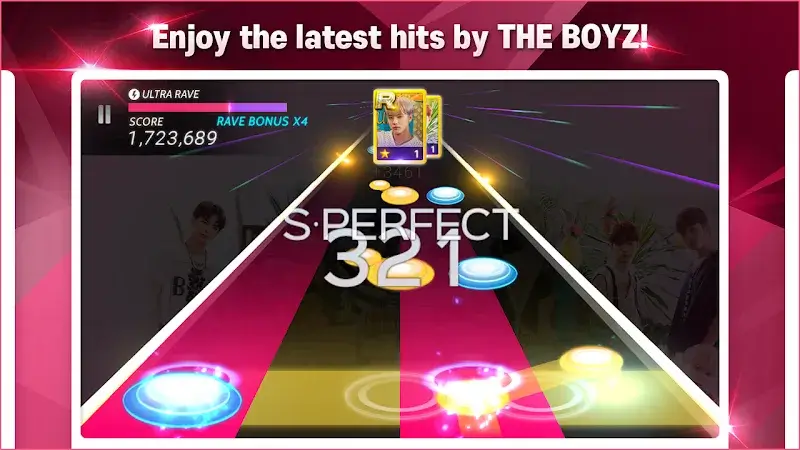
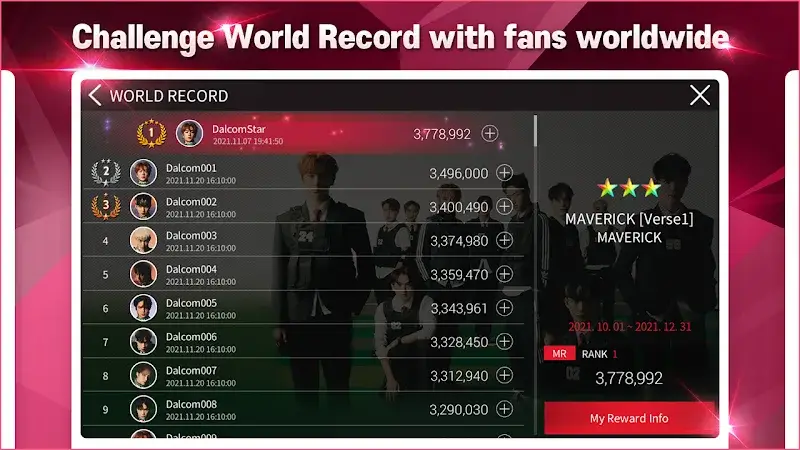
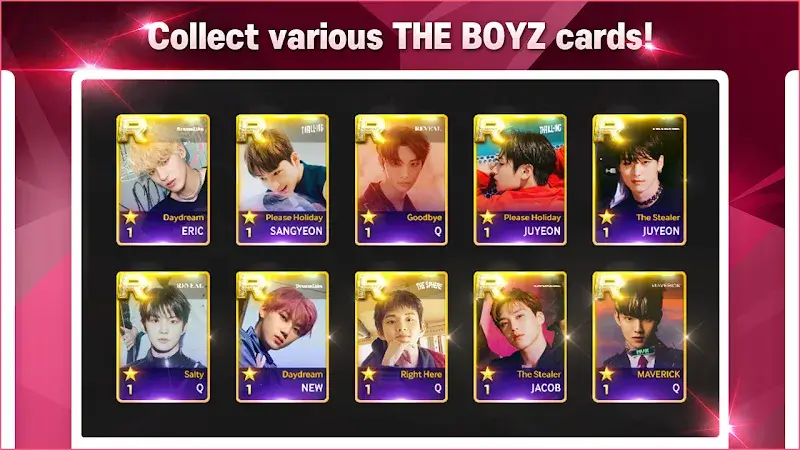
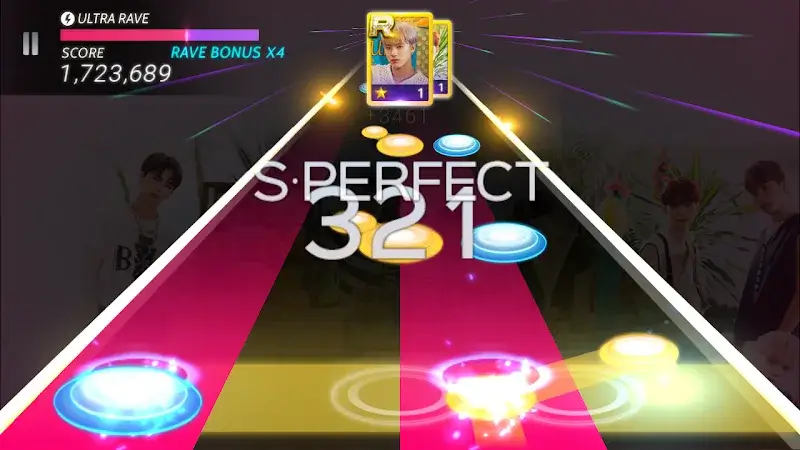
SUPERSTAR THE BOYZ Mod is a rhythm game developed by Dalcomsoft Inc., focused on the K-pop group THE BOYZ. The app functions as a music game where players tap notes in sync with the group's songs to earn high scores and collect member cards. This mod APK is targeted at players who want to bypass the skill-based progression and collection grind of the official version.
What This Mod Unlocks
- Mod Menu: A floating overlay menu is injected into the game client, providing toggle access to the modified features.
- Auto Play: When enabled, the game automatically hits all notes with perfect timing, requiring no player input.
- Always Super Perfect: Forces the game to register every successful note hit as a "Super Perfect," the highest judgment rank.
- Always Perfect: An alternative setting that forces all successful hits to be registered as "Perfect," the second-highest rank.
- Always Good: Forces all successful hits to be registered as "Good," a lower judgment rank.
- Always Miss: Forces all note hits to be registered as "Miss," resulting in a failed play.
The mod menu appears as a semi-transparent button on the screen shortly after SUPERSTAR THE BOYZ Mod launches. Tapping this button expands the menu. The most important feature, Auto Play, is activated by tapping its corresponding toggle switch within this menu. This must be done before starting a song.
This mod for SUPERSTAR THE BOYZ Mod requires Android 7.0 or higher. It does not require root access. The installation file is approximately 325 MB, with additional cache data likely required for first-time setup.
Installation follows standard sideloading procedure. First, download the APK file. Second, enable installation from unknown sources in Android settings if prompted. Third, locate and tap the downloaded file to begin installation. Fourth, open the game and grant any necessary permissions. The mod interface should load automatically.
Known edge cases exist. Using mod features, especially Auto Play and guaranteed high scores, in any online-ranked mode or event carries a high risk of account suspension or ban from Dalcomsoft's servers. Progress and unlocked items earned through mod use may be reset if the game client is updated or if app data is cleared. The mod menu may not render correctly on devices with custom screen density or resolution settings.