
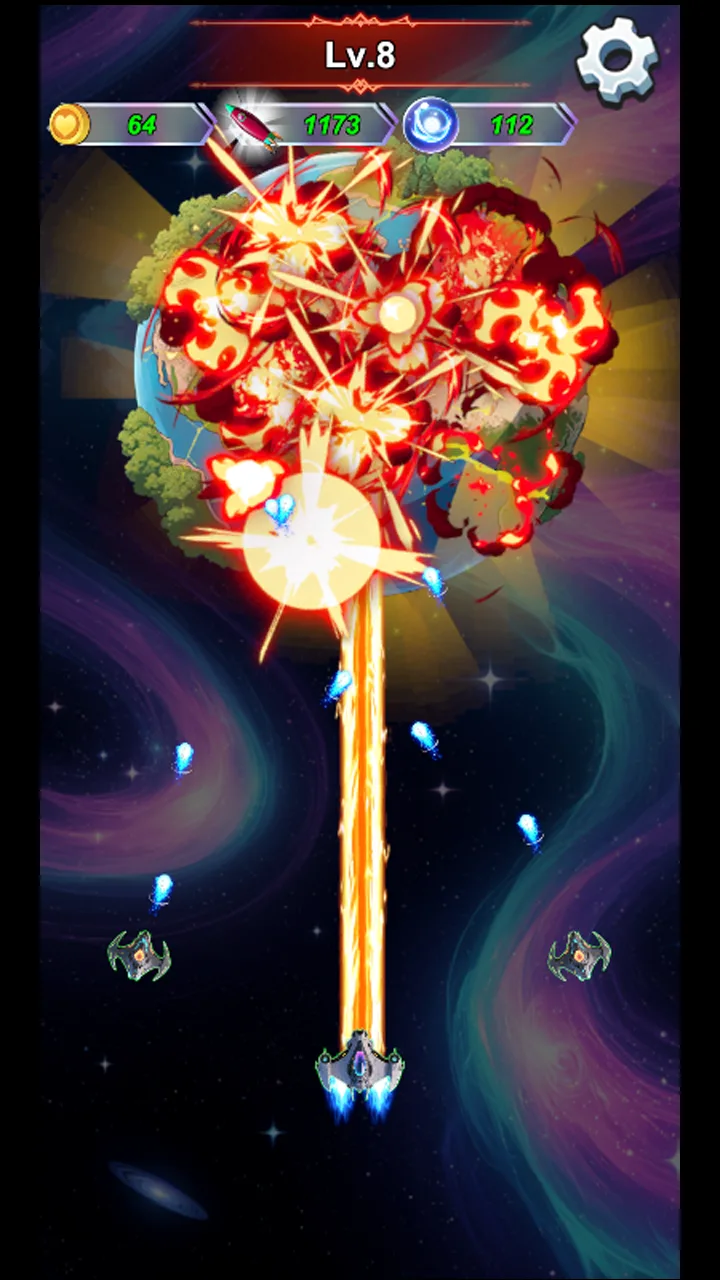
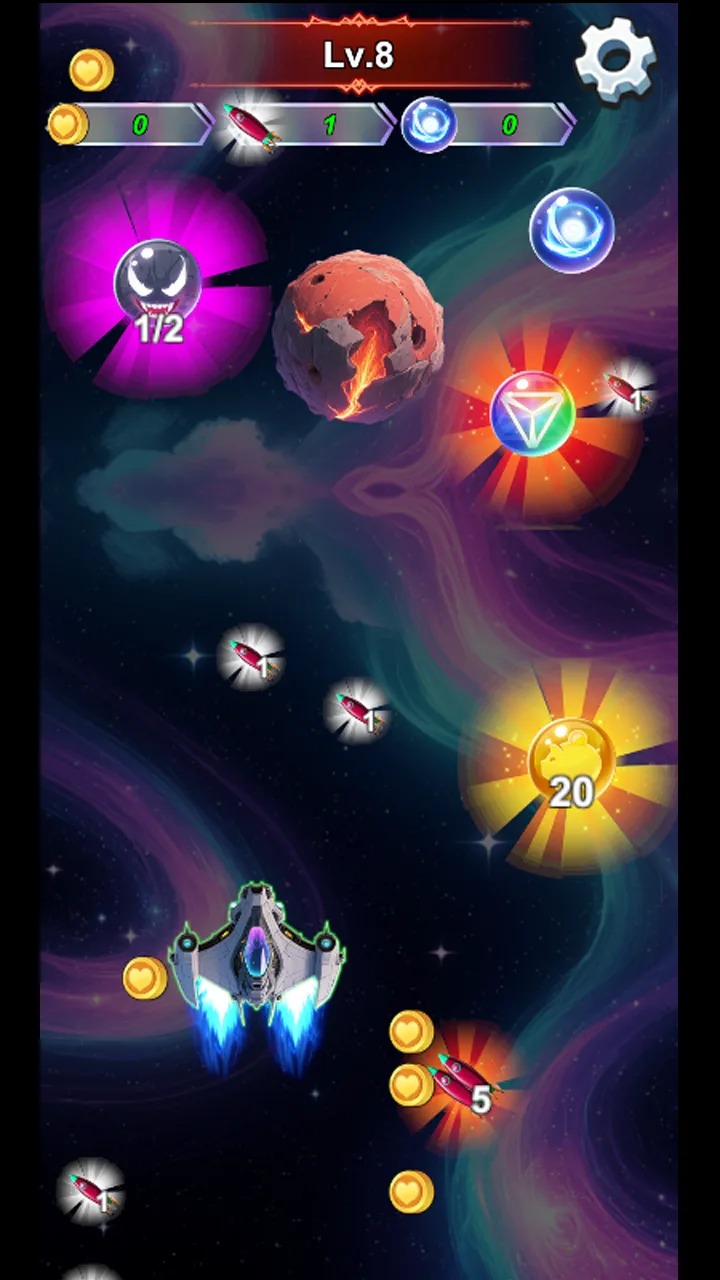
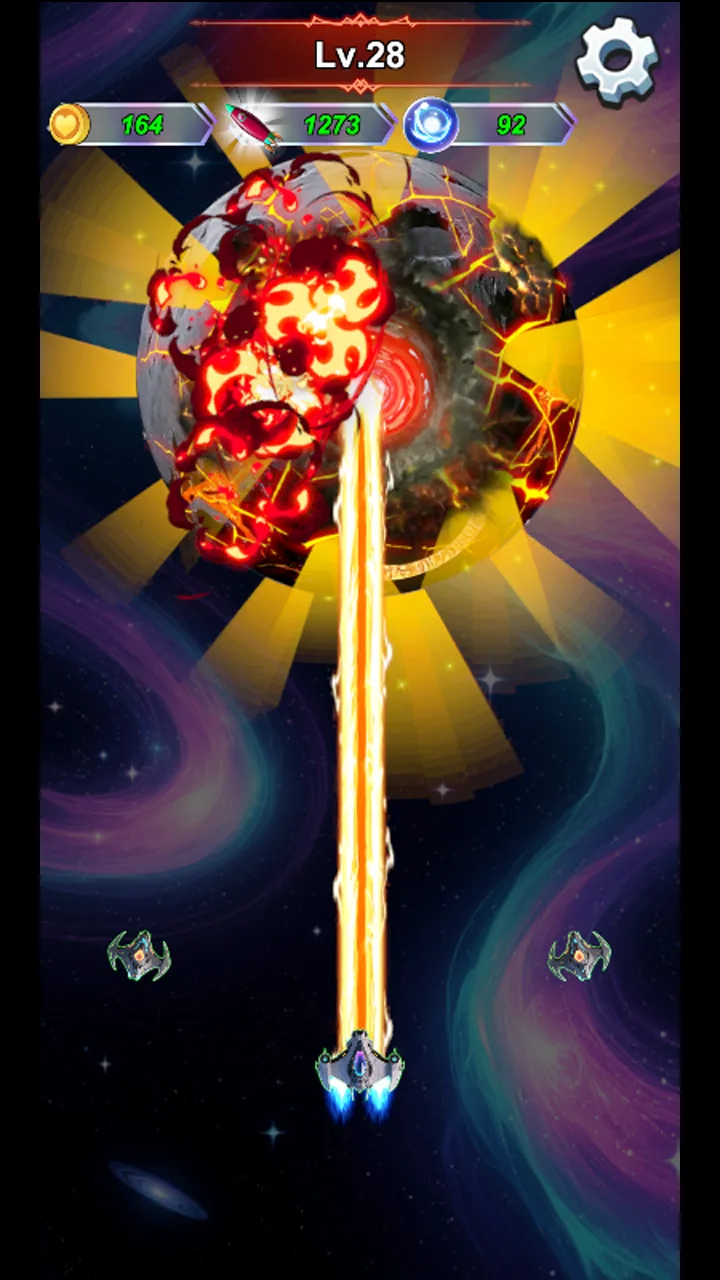
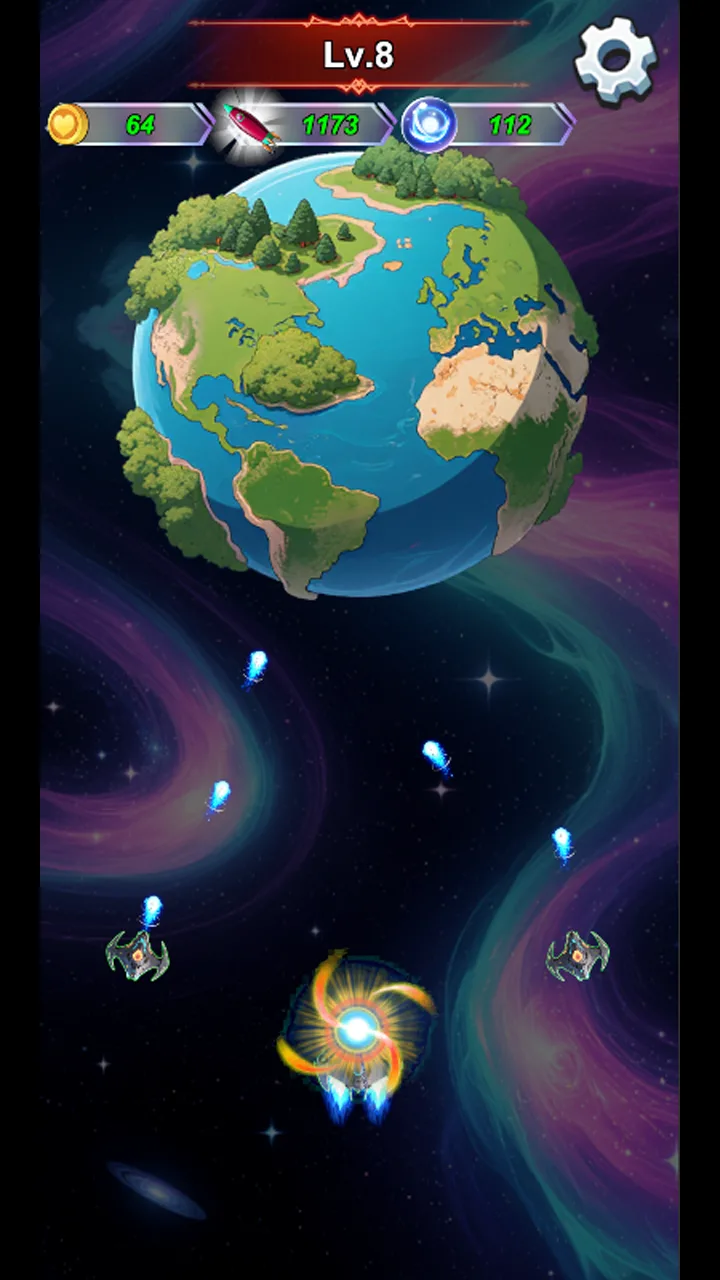
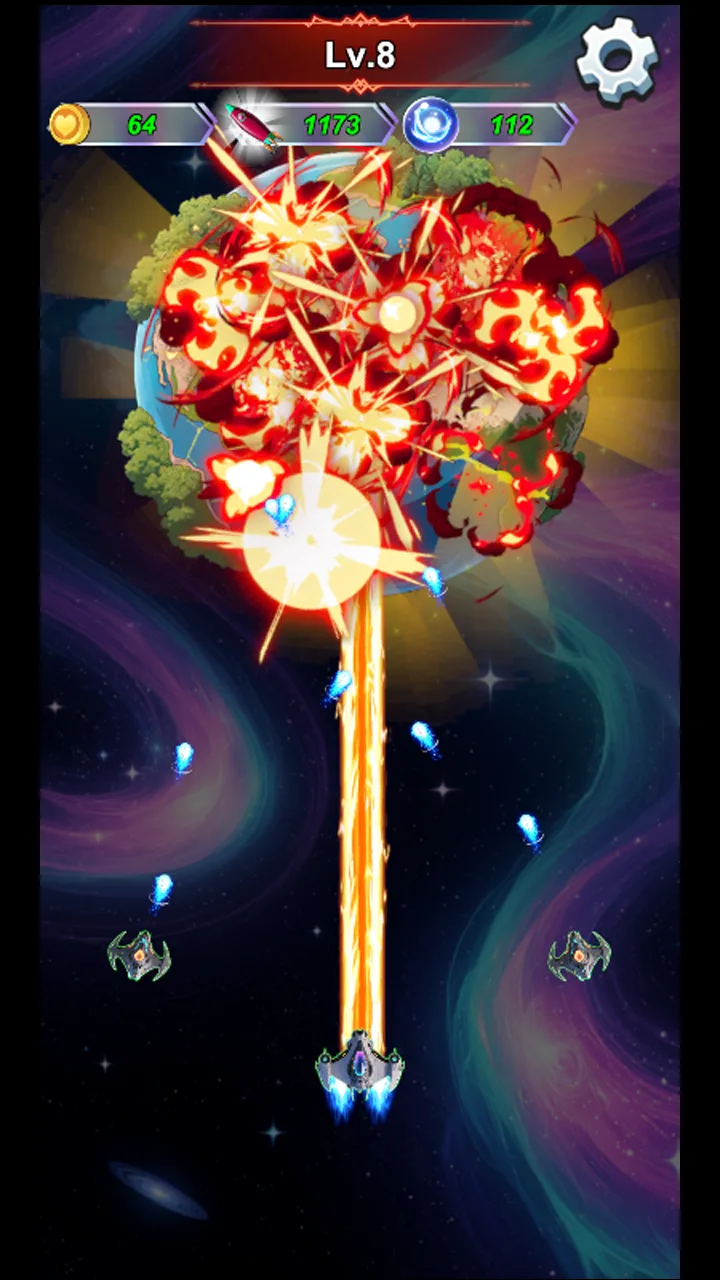
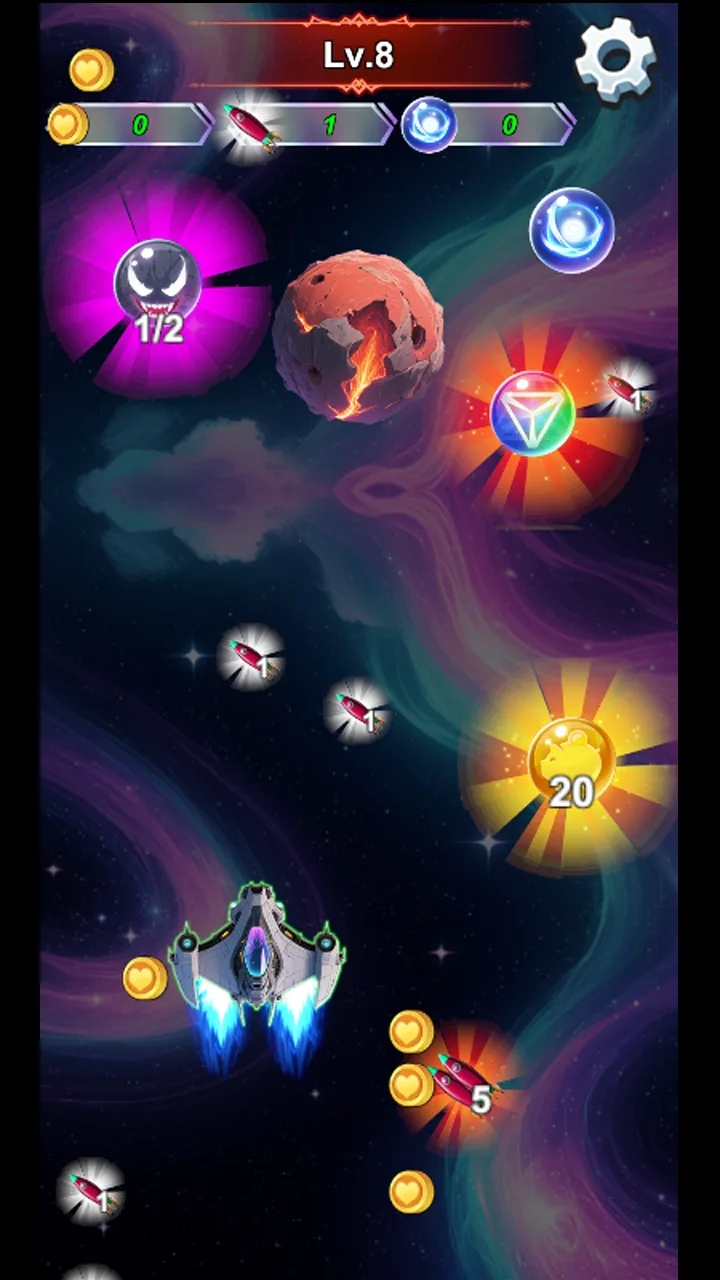
Super Space Destroyer Mod is a casual simulation game focused on planetary destruction and creation cycles. It targets players seeking a low-stress, sandbox-style experience with visually chaotic destruction and simple building mechanics. The core loop involves using acquired weapons to destroy planets, collecting resources from the debris, and using those materials to craft or revive new celestial bodies.
What This Mod Unlocks
- Mod Menu: Adds a floating, draggable interface overlay within the game.
- God Mode: A toggle within the Mod Menu that makes the player's ship invulnerable to all damage.
The mod does not alter in-game currency, mission progress, or weapon unlock requirements. It is a binary defensive enhancement.
Activation Note
The Mod Menu icon appears as a small, semi-transparent button on the left edge of the screen shortly after the main game loads. Tap this button to expand the menu and toggle God Mode on or off. The menu remains accessible during both destruction and creation gameplay modes.
Requirements
Requires Android 4.4 or higher. Installation requires approximately 30 MB of free storage. Root access is not required.
Install Steps
- Download the Super Space Destroyer Mod APK file.
- Enable "Install from Unknown Sources" in Android settings if not already done.
- Open the downloaded file using a file manager.
- Follow the on-screen installer prompts.
- Launch Super Space Destroyer Mod from your app drawer.
Known Edge Cases
- The Mod Menu may fail to render on some Android 10+ devices with aggressive battery optimization; disabling optimization for Super Space Destroyer Mod resolves this.
- God Mode only affects ship integrity; mission failure conditions triggered by other events (e.g., time limits) remain active.
- Clearing the app's data resets all game progress but does not disable the Mod Menu itself.