

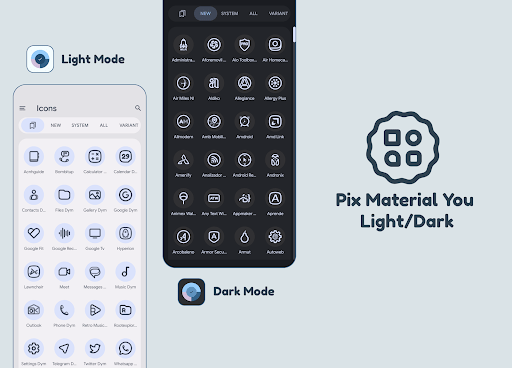
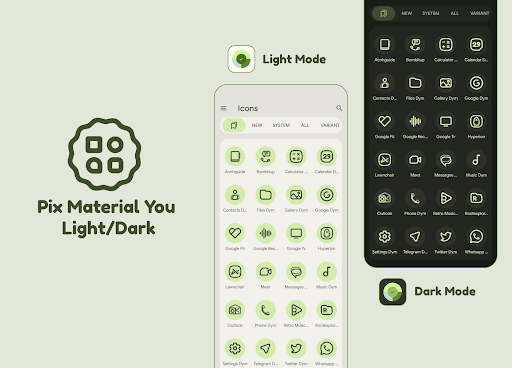
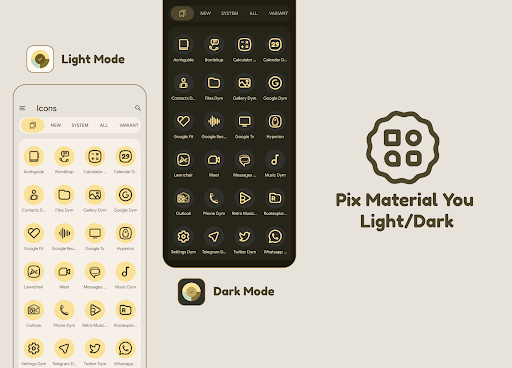
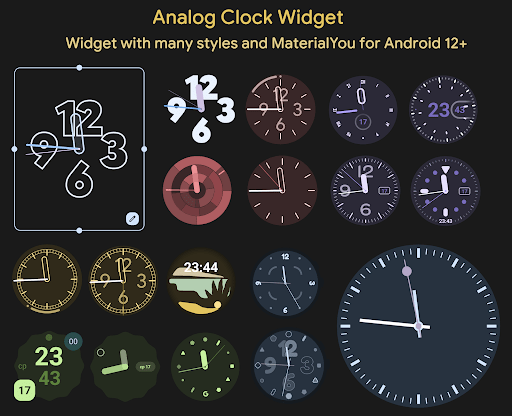
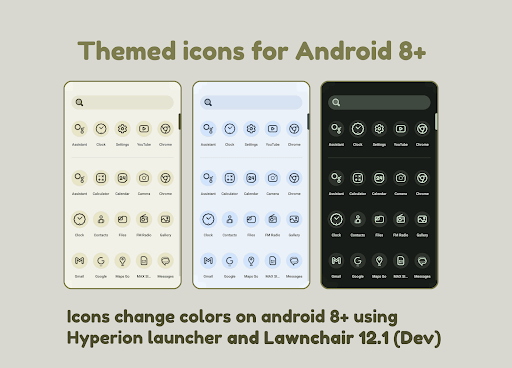
Pix Material You LightDark Mod is an icon pack application for Android launchers. It provides over 19,000 adaptive icons that automatically change color based on the system wallpaper, accent color, and light/dark theme. The app is designed for users of custom launchers like Lawnchair, Hyperion, Nova Launcher, and Niagara Launcher who want Material You dynamic theming on Android 8.0 and above. It also includes a suite of themed widgets for Android 12+ and exclusive wallpapers.
What This Mod Unlocks
- All premium adaptive icons (19k+) are unlocked and available for application.
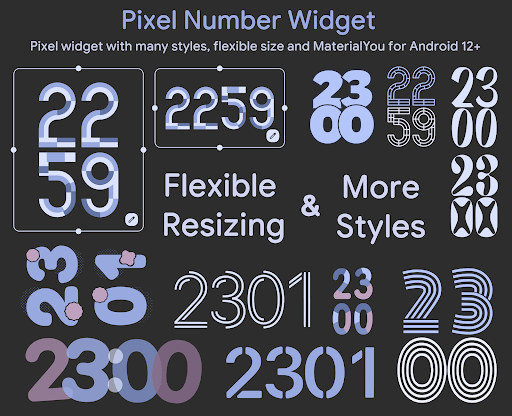
- All themed widgets (Pixel Numbers, Analog Clock, Search, Numbers Clock, Date Glance, Tablet Clock, Tablet Date) are unlocked.
- All exclusive thematic wallpapers within the app are accessible.
- The paid license check is bypassed; the app functions as fully licensed upon first open.
After installing the Pix Material You LightDark Mod mod APK, open the app once to initialize the unlocked license. No further activation steps are required within the app itself. The unlocked content will be immediately available when applying the icon pack through a supported launcher.
Pix Material You LightDark Mod requires Android 8.0 or higher. The app uses approximately 85 MB of storage for the icon assets and application data. Root access is not required.
Installation requires enabling installation from unknown sources for your package installer. Download the mod APK file. Open the downloaded file to begin the installation process. Tap Install. Once installed, open Pix Material You LightDark Mod to initialize the license, then apply the icon pack through your launcher's settings.
Icon application and theming are dependent on launcher support. Launchers marked as "Change Colors Automatically" (e.g., Lawnchair 12.1+, Hyperion Beta) will update icon colors dynamically. For other launchers on Android 12+, you must reapply the Pix Material You LightDark Mod icon pack after changing your wallpaper or system accent color for the new colors to take effect. The mod only unlocks content within the Pix Material You LightDark Mod app; it does not modify launcher behavior. Applying icons to a stock system launcher (e.g., One UI) requires additional steps like using Theme Park.