
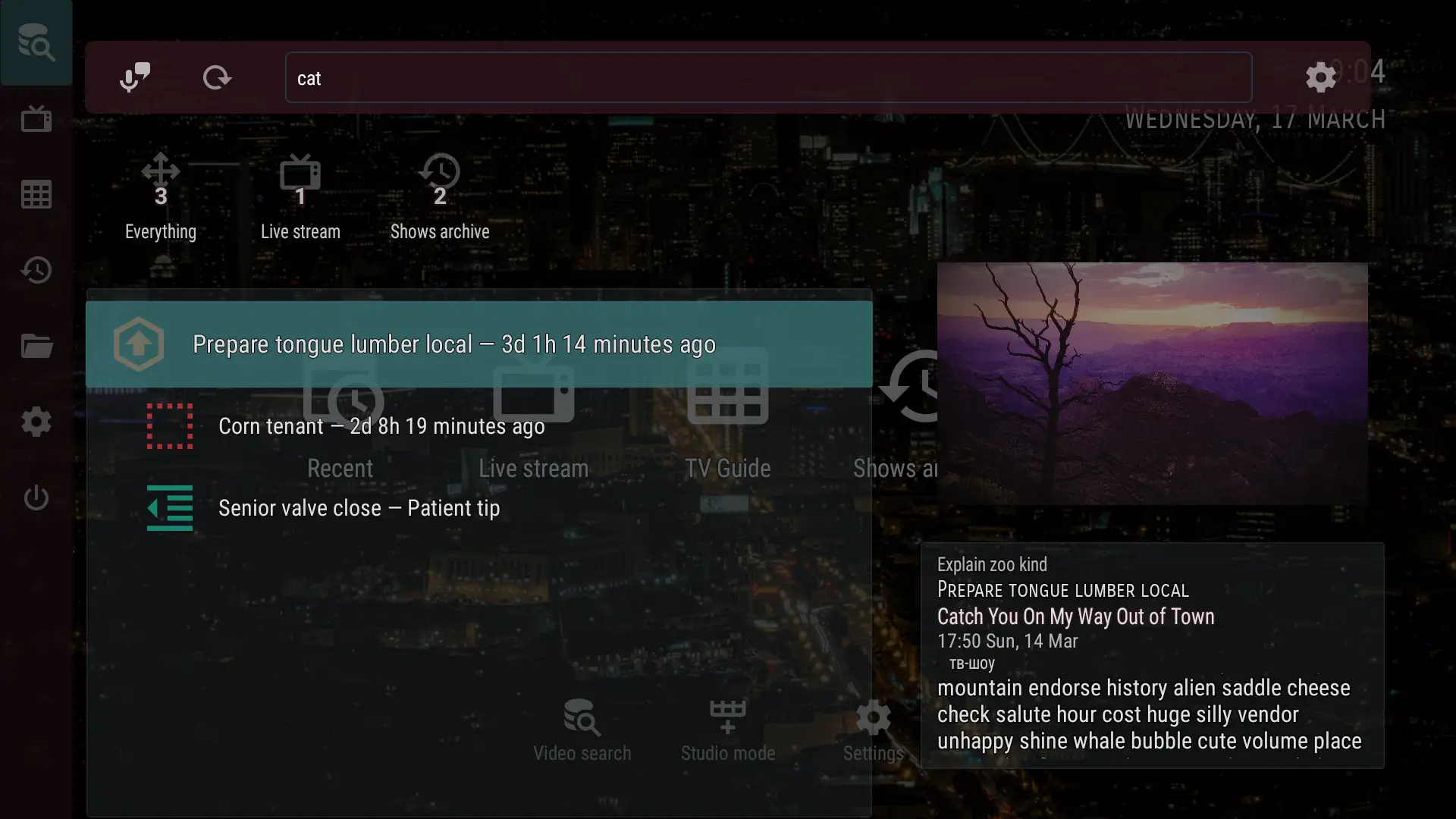
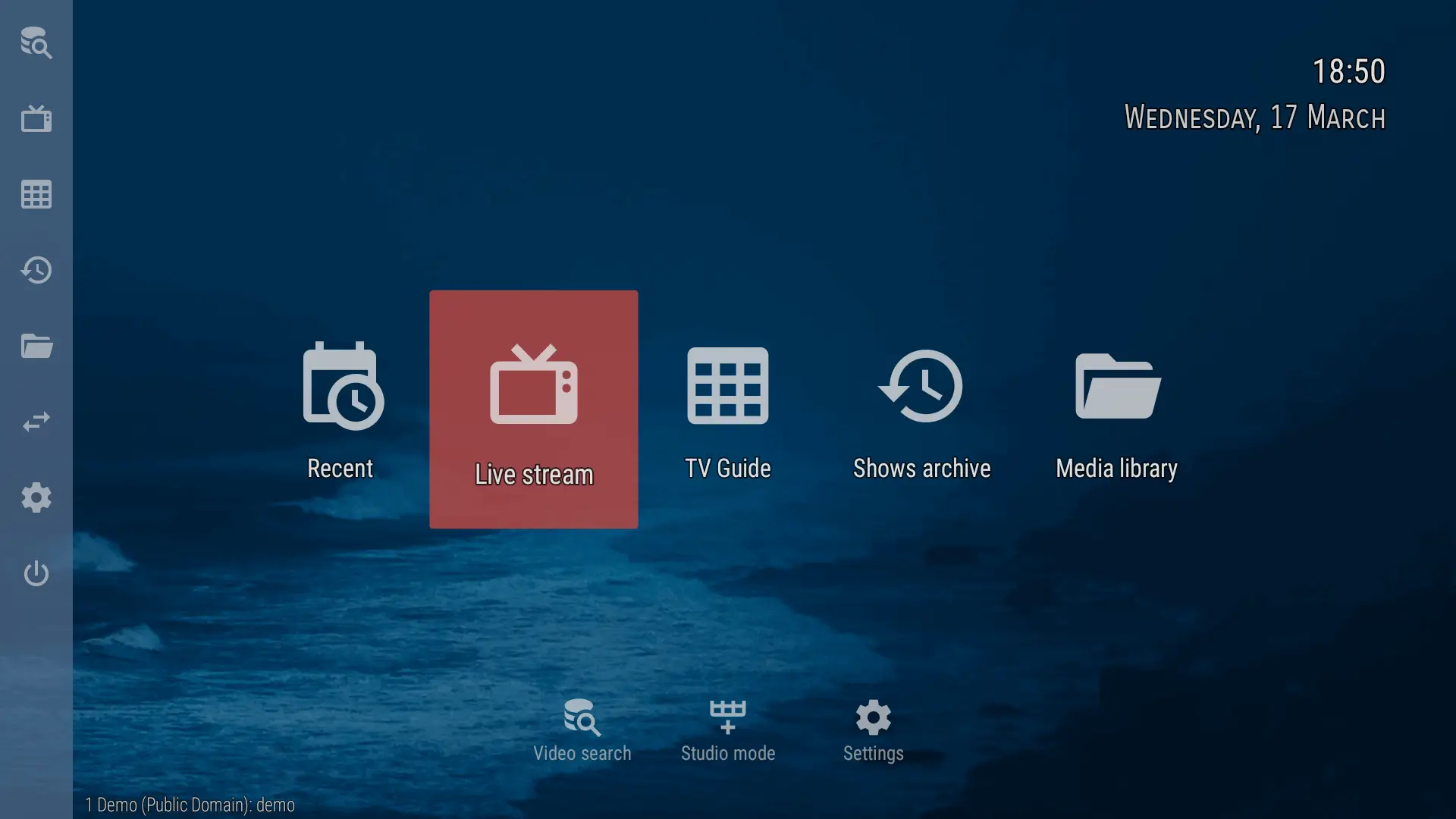
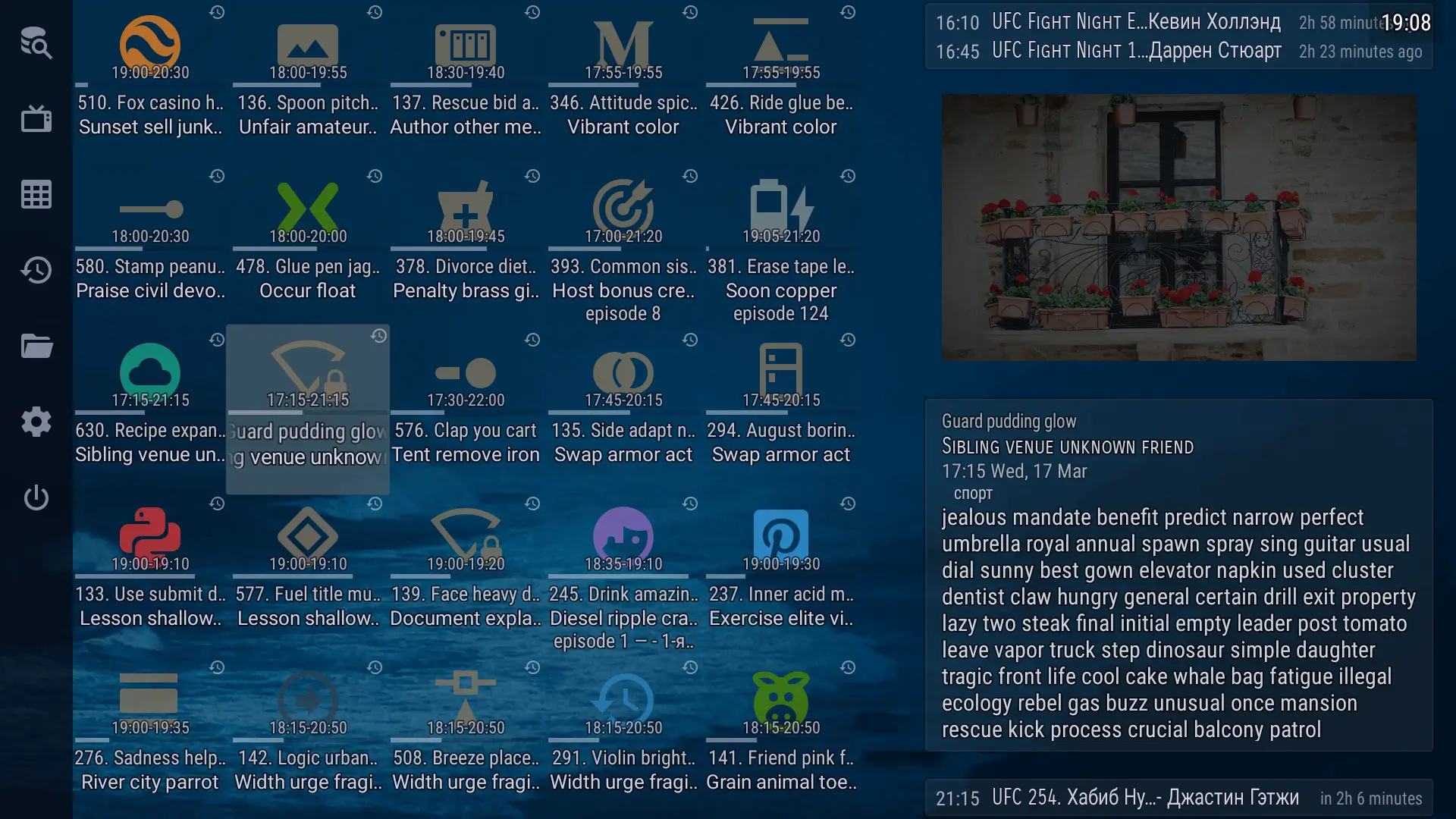
OTT Navigator IPTV Mod is an Android application designed to function as a client for IPTV services. It parses M3U playlists and Electronic Program Guide (EPG) data to organize live television channels, video-on-demand (VOD) catalogs, and series into a unified interface. The app is intended for users who have access to IPTV provider subscriptions and require a customizable player on their Android devices. It supports hardware decoding, external players, and advanced playlist management.
What This Mod Unlocks
- All advertisements within the application interface are disabled and removed.
- Ad network initialization calls are blocked, preventing banner and interstitial ad loading.
- The mod does not unlock premium IPTV provider content; it only modifies the client application.
The primary modification is the removal of advertising modules. This is achieved by patching the relevant ad-serving classes and network requests. The modded APK file size is consistent with the original, indicating resource replacement rather than addition.
Activation Note
No activation is required. The modded features are applied immediately upon launching OTT Navigator IPTV Mod. The interface will load without any ad banners or forced video interstitials that are present in the official version.
Android 6.0 (Marshmallow) or higher is required. The application requires approximately 25-30 MB of storage for installation and additional space for cached EPG data and images. Root access is not required for installation or functionality.
Installation Steps
- Download the OTT Navigator IPTV Mod mod APK file.
- Enable installation from unknown sources in your Android device settings.
- Open the downloaded APK file using a file manager and proceed with the installation.
- Launch OTT Navigator IPTV Mod and configure your IPTV provider details.
Known Edge Cases
- The mod only affects ads served by the application itself. Some IPTV providers may inject their own advertisements into the video stream, which this mod cannot block.
- Clearing the app data or reinstalling will not restore advertisements; the modification is baked into the APK.
- Using OTT Navigator IPTV Mod with certain custom themes may cause minor UI inconsistencies, but core ad-blocking functionality remains.
- Updates from the Google Play Store will overwrite the modded version. Manual reinstallation of the mod APK is required after any update.