

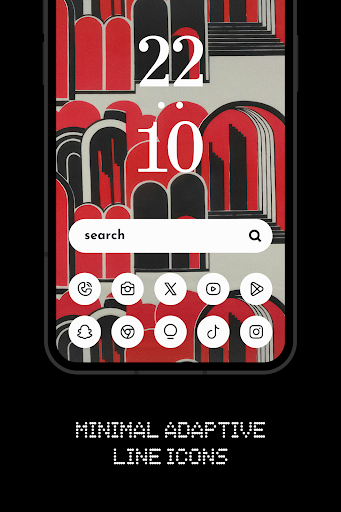
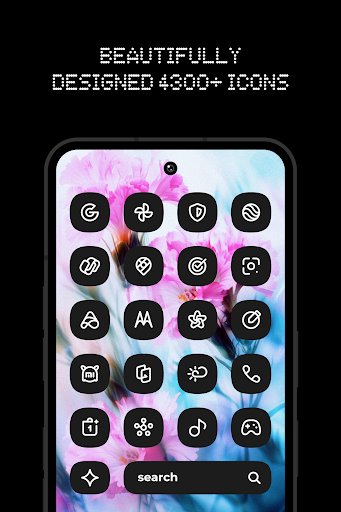
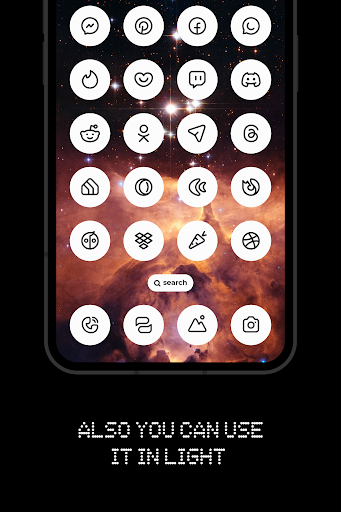
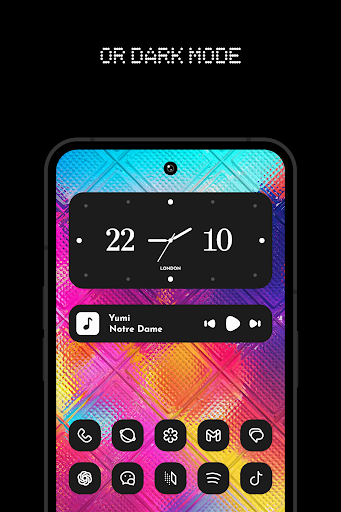
Nothing Line: Adaptive Icons is a personalization tool for Android that replaces system and app icons with a cohesive set of minimalist, black-and-white line-art designs. It targets users of third-party launchers like Nova, Niagara, Lawnchair, or Smart Launcher who seek a uniform, aesthetic interface. The app operates within the constraints of the Android theming system, requiring a compatible launcher for full functionality.
What This Mod Unlocks
- All premium adaptive icons are unlocked and available for immediate application.
- The complete collection of 13 Kustom widgets is accessible without requiring the separate Pro key.
- All cloud-based wallpapers within the app are unlocked for free use.
- The in-app purchase prompt to unlock premium content is removed.
The modded APK bypasses the license verification that gates the premium icon pack, widget pack, and wallpaper collection in the official version. This is a local patch that does not interact with any online store.
Activation Note
No activation is required. Upon installing the modded Nothing Line: Adaptive Icons APK, all content is immediately available. Open the app, navigate to the icons, widgets, or wallpapers section, and apply them directly through your supported launcher.
The app requires Android 5.0 or higher. Android 10+ is needed for automatic dark/light theme switching of icons. Storage requirements are minimal, primarily for caching applied icons and downloaded wallpapers. Root access is not required.
Installation Steps
- Uninstall the official version of Nothing Line: Adaptive Icons if previously installed.
- Download the modded APK file.
- Enable installation from unknown sources in your Android settings.
- Open the downloaded file and proceed with the installation.
- Open Nothing Line: Adaptive Icons and apply icons via your chosen launcher.
Known Edge Cases
- Applying icons requires a compatible third-party launcher that supports icon packs. The mod does not add this functionality to stock launchers that lack support.
- Widget functionality depends on having the KWGT (Kustom Widget Maker) app installed. The mod unlocks the Nothing Line widget pack within KWGT, but does not provide KWGT itself.
- Future updates to the official app may break compatibility with this modded version until the mod is updated accordingly.
- Clearing the app data for Nothing Line: Adaptive Icons will not revert the mod unlock, as the patched state is embedded in the APK.