

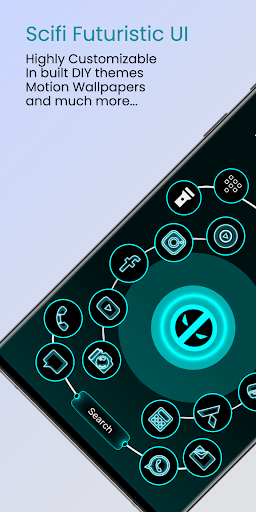
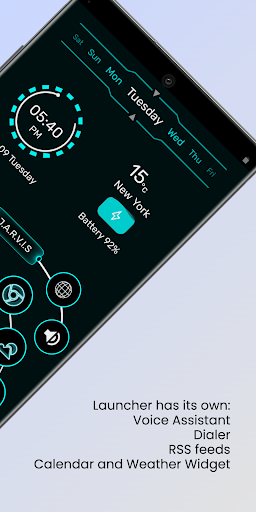
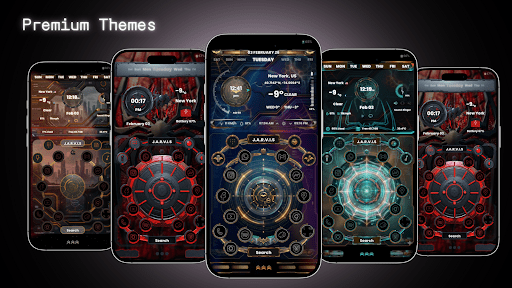

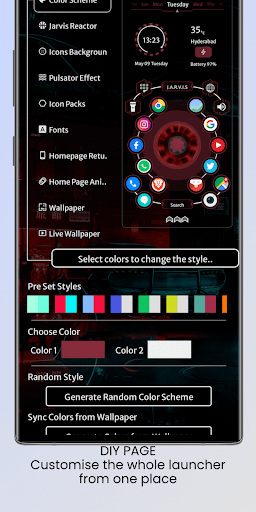
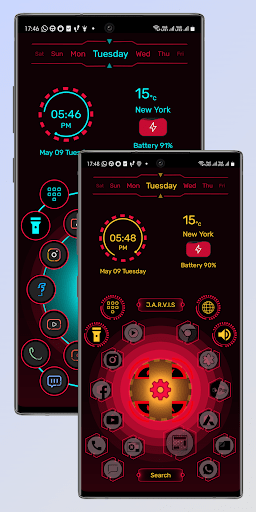
Jarvis Scifi Epic Launcher Mod is a home screen replacement application for Android that provides a collection of science-fiction themed 3D launcher interfaces. It is designed for users seeking a highly customized visual experience beyond standard Android launchers, replacing default icons, widgets, and animations with themed alternatives. The app functions as a standalone launcher, requiring users to set it as the default home application.
What This Mod Unlocks
- All premium themes and 3D launcher packs are unlocked.
- Ads within the theme browser and launcher settings are disabled.
- Any in-app purchase prompts for theme access are removed.
The modified features are available immediately upon launch. No activation menu or specific tap sequence is required. The unlocked premium themes appear alongside free ones in the app's gallery without any purchase prompts.
Jarvis Scifi Epic Launcher Mod requires Android 8.0 or higher. The APK file size is approximately 17 MB. Installation requires additional storage for downloaded theme assets. Root access is not required.
Installation steps: 1. Download the mod APK file. 2. Enable installation from unknown sources in Android settings. 3. Open the downloaded file and tap install. 4. After installation, open the app and follow the prompt to set Jarvis Scifi Epic Launcher Mod as the default home app.
Known edge cases: Some device-specific icon packs may not apply correctly to all third-party apps. The launcher may occasionally revert to a default theme after a system update, requiring a re-application of the chosen theme from within the Jarvis Scifi Epic Launcher Mod settings. On devices with heavily customized OEM Android skins, certain transition animations may not function as intended.