

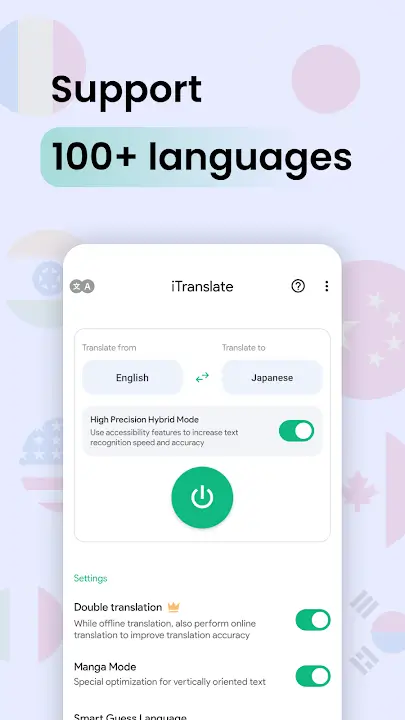
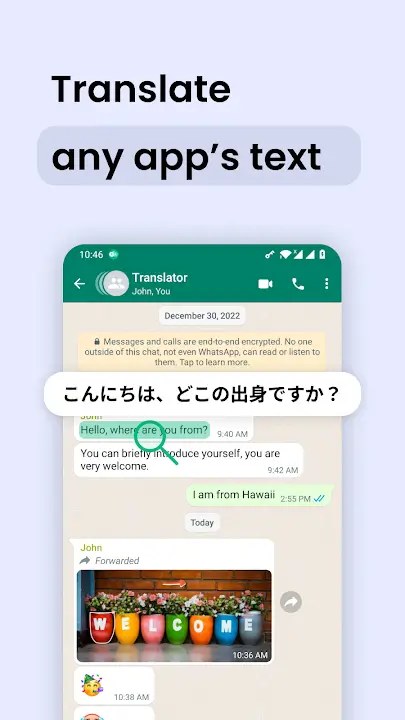
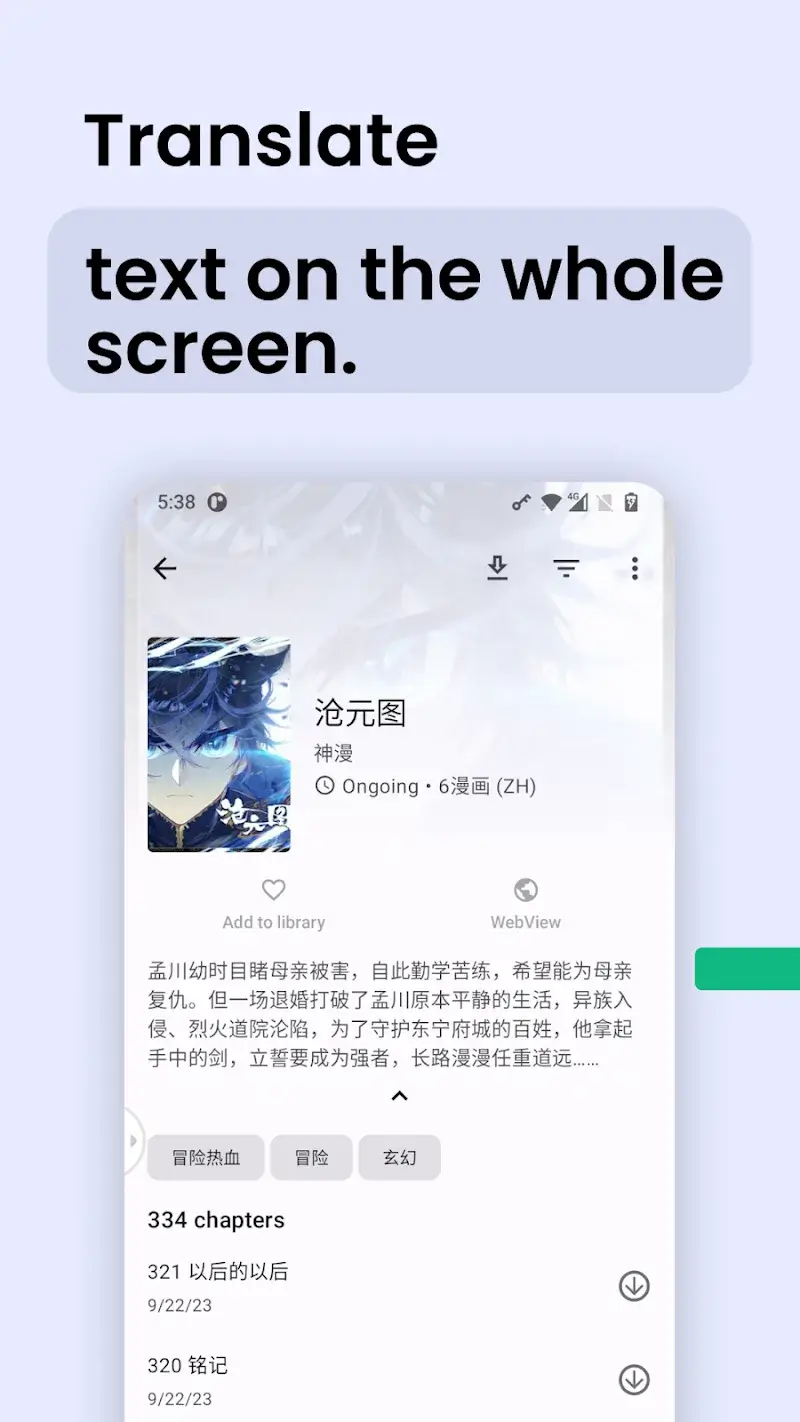
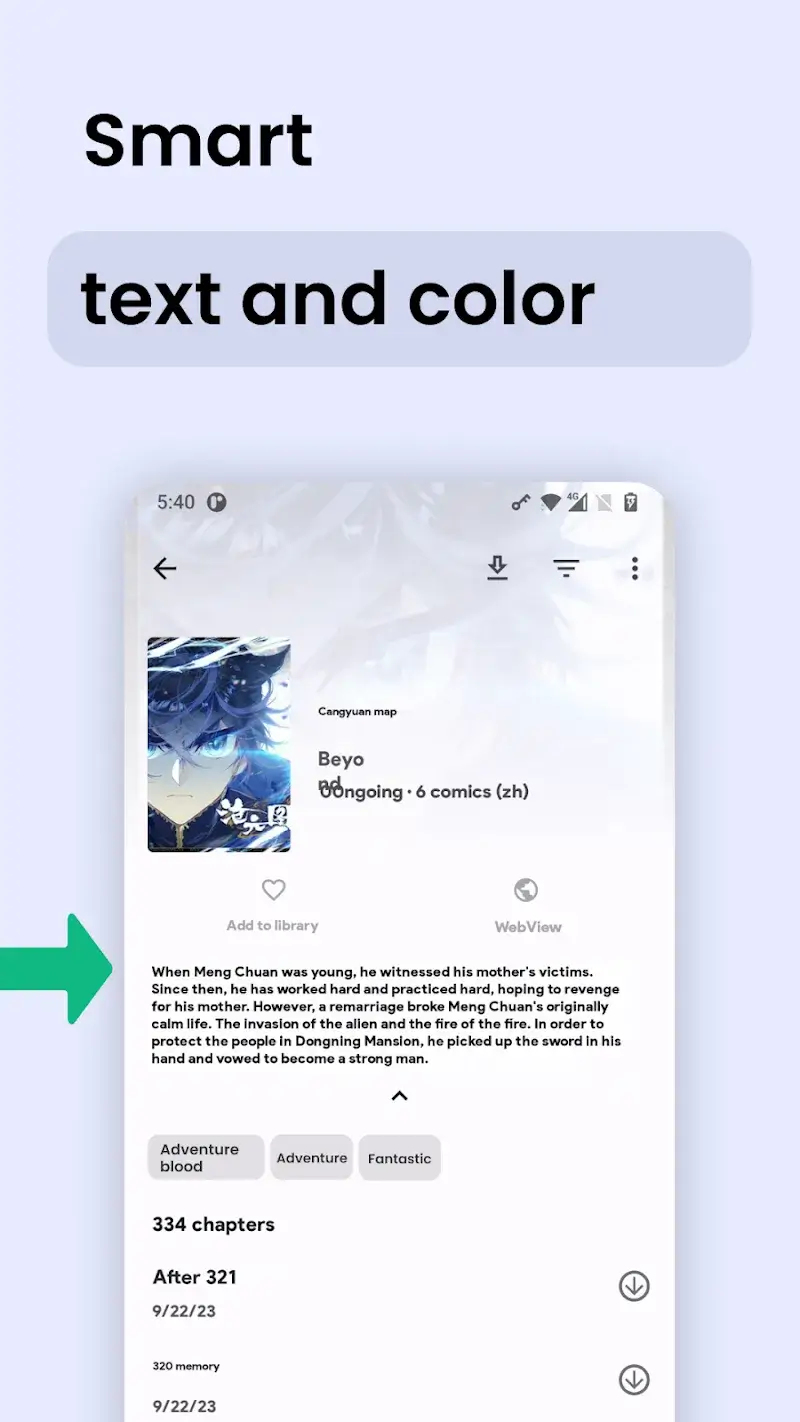
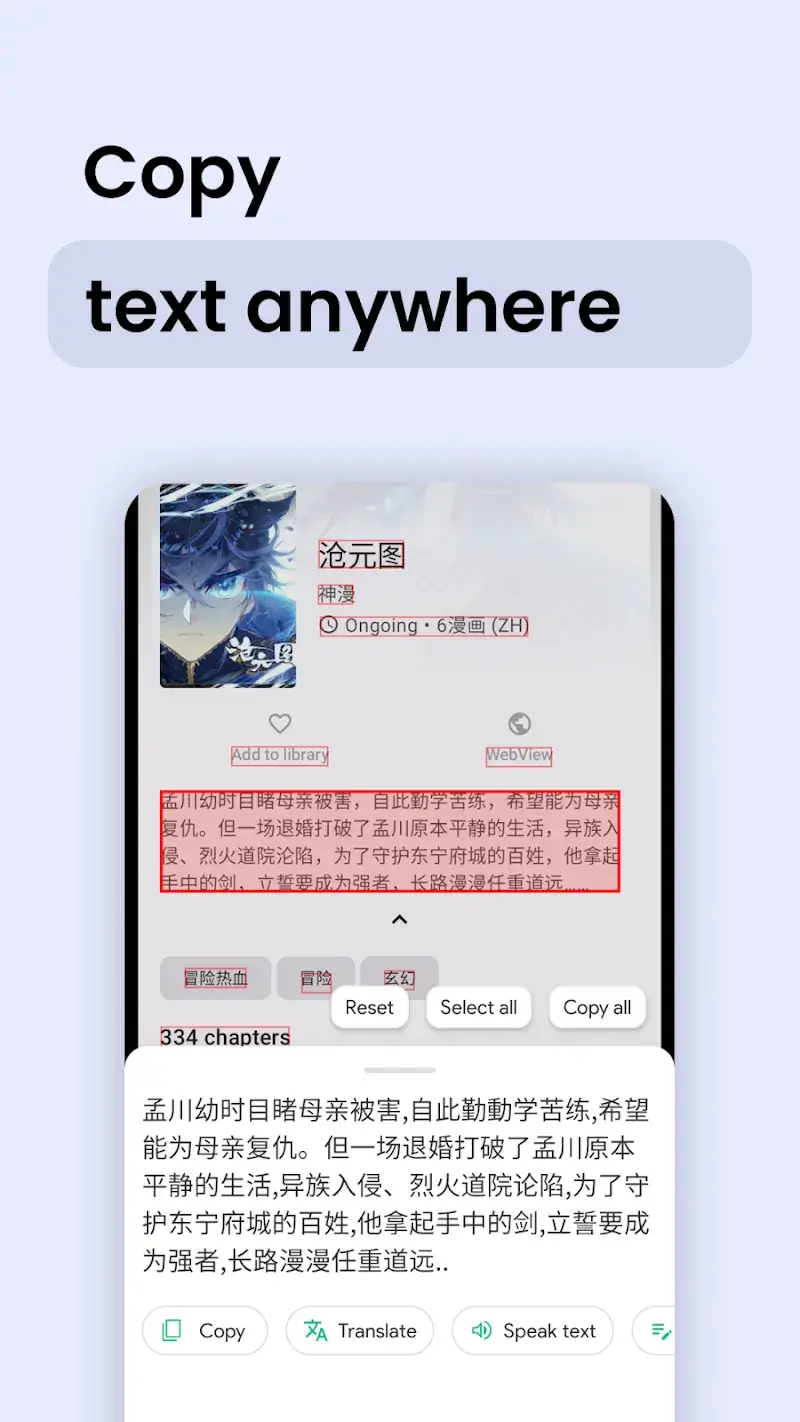
Instant Translate On Screen Mod is a utility application that performs real-time optical character recognition (OCR) and translation of on-screen text across any application. It targets users who frequently encounter foreign language text in browsers, social media, messaging apps, or images and need immediate translation without switching contexts. The app functions as an overlay service, capturing text via a floating button and displaying translations in a persistent window.
What This Mod Unlocks
- All premium translation features are unlocked, including unlimited high-quality OCR from images.
- Advertisements within the application interface are completely disabled.
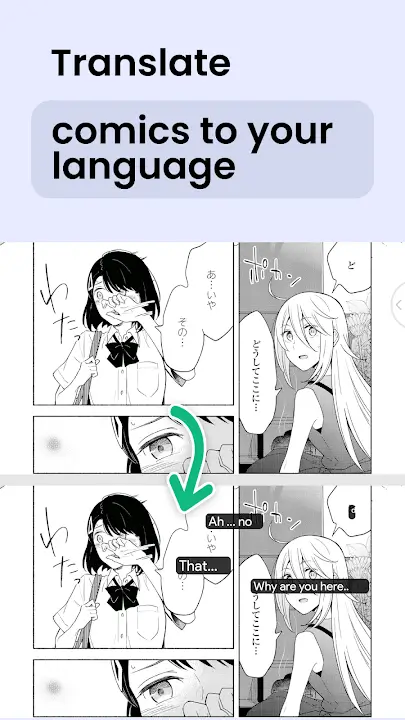
- The "Comic Mode" for vertical text translation is fully accessible.
- Advanced text collection and history storage features are enabled.
- All target language packs, including offline translation models, are available without restriction.
- Floating translation window customization options are unlocked.
The primary mod activation is passive. Upon launching Instant Translate On Screen Mod, the premium tier is already applied. No activation code or menu is required. The interface will lack any "Upgrade" prompts or advertisement placeholders, confirming the mod is active.
Instant Translate On Screen Mod requires Android 8.0 or higher. The application consumes approximately 103 MB of storage for the base APK, with additional space needed for offline language data. Root access is not required for installation or mod functionality.
Installation Steps
- Download the modded Instant Translate On Screen Mod APK file.
- Enable "Install from Unknown Sources" in Android settings if not already permitted.
- Open the downloaded APK file using a file manager and confirm the installation prompt.
- Launch Instant Translate On Screen Mod from the app drawer. Grant the necessary overlay and screen capture permissions when prompted.
Known Edge Cases
- Some cloud-synced features, like saved translation history, may not persist if the mod APK signature differs from a previous official installation.
- The floating capture button may fail to appear over certain secure screens, such as banking apps or password input fields, due to Android system restrictions.
- OCR accuracy on low-contrast or stylized text within images remains dependent on the underlying engine and is not enhanced by the mod.
- If the app data is cleared, the mod status remains, but user-configured settings like preferred languages will reset to default.