

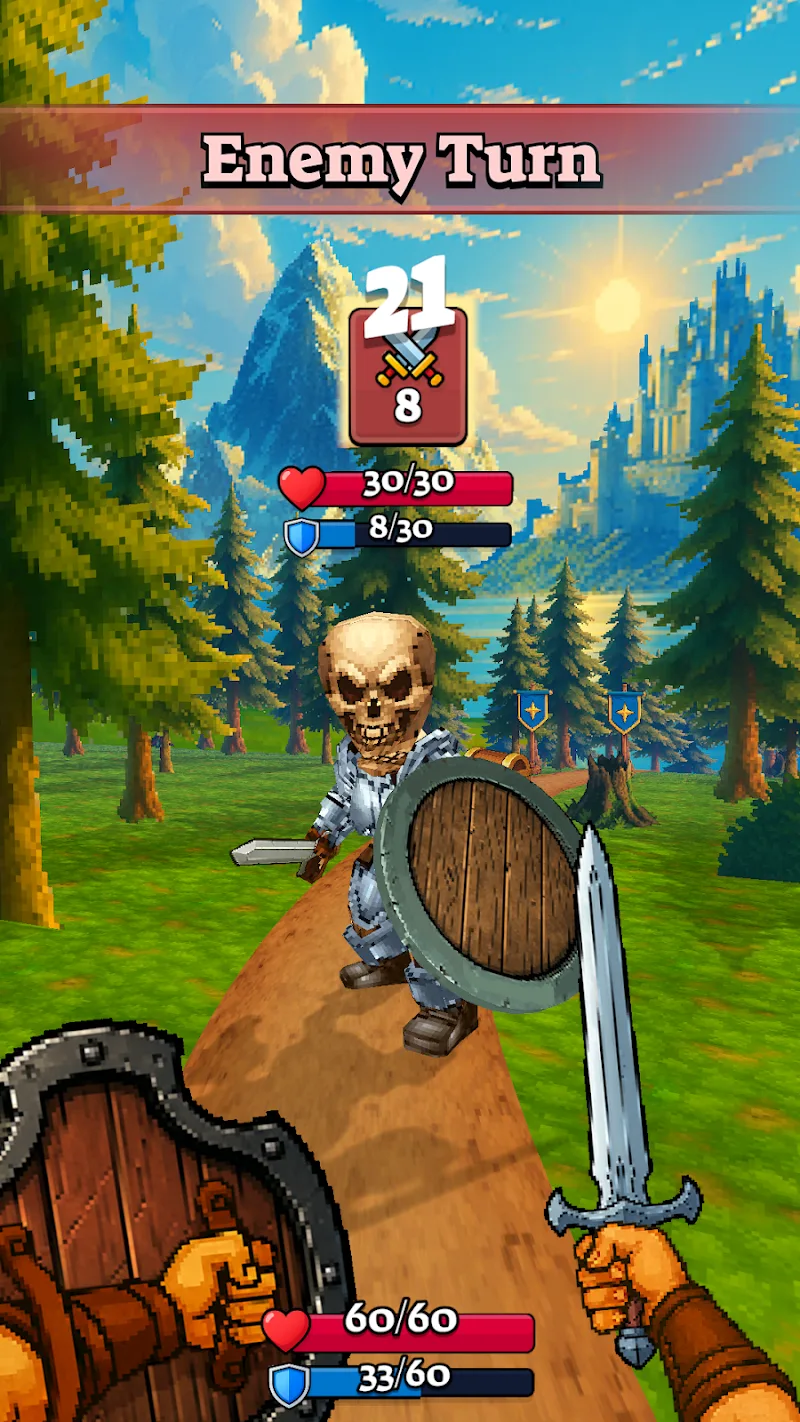
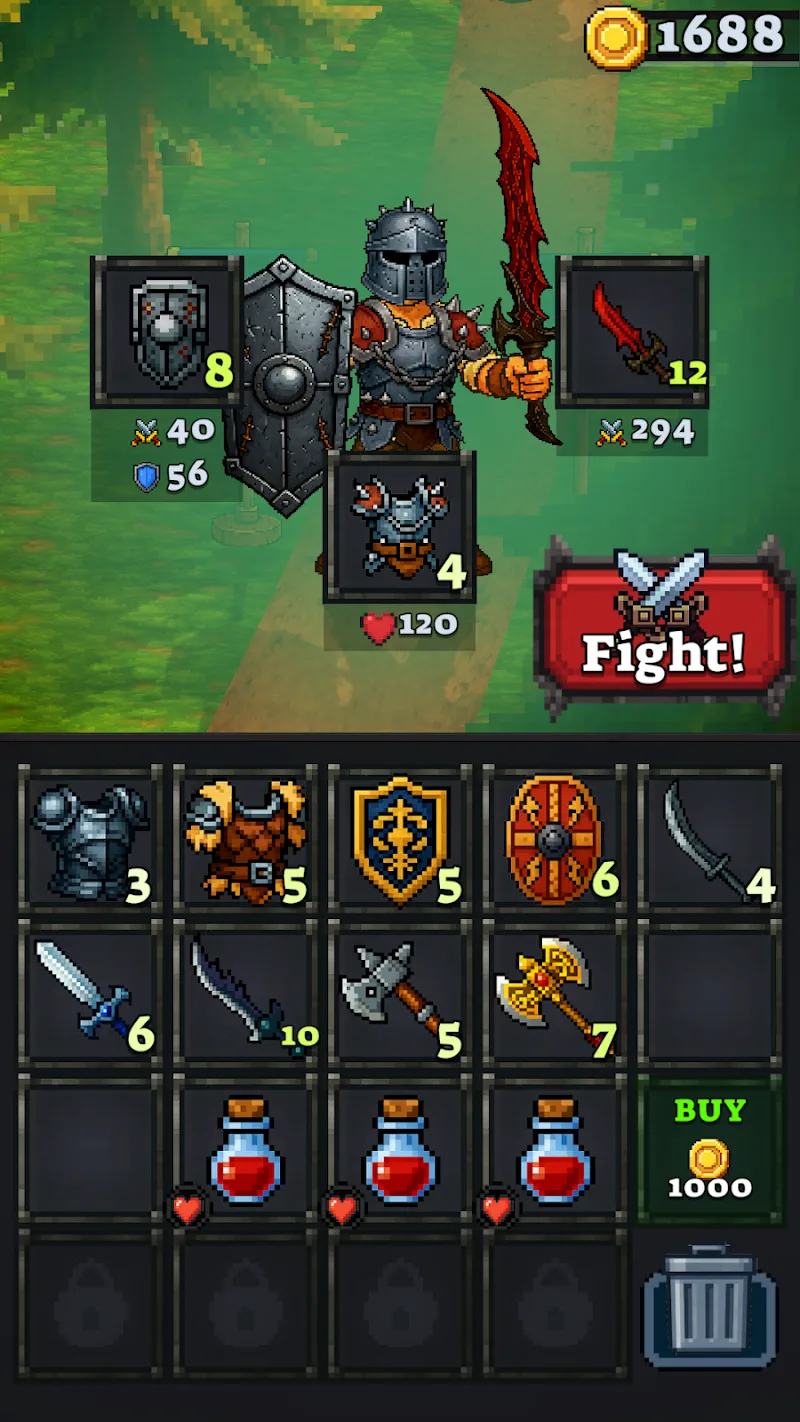
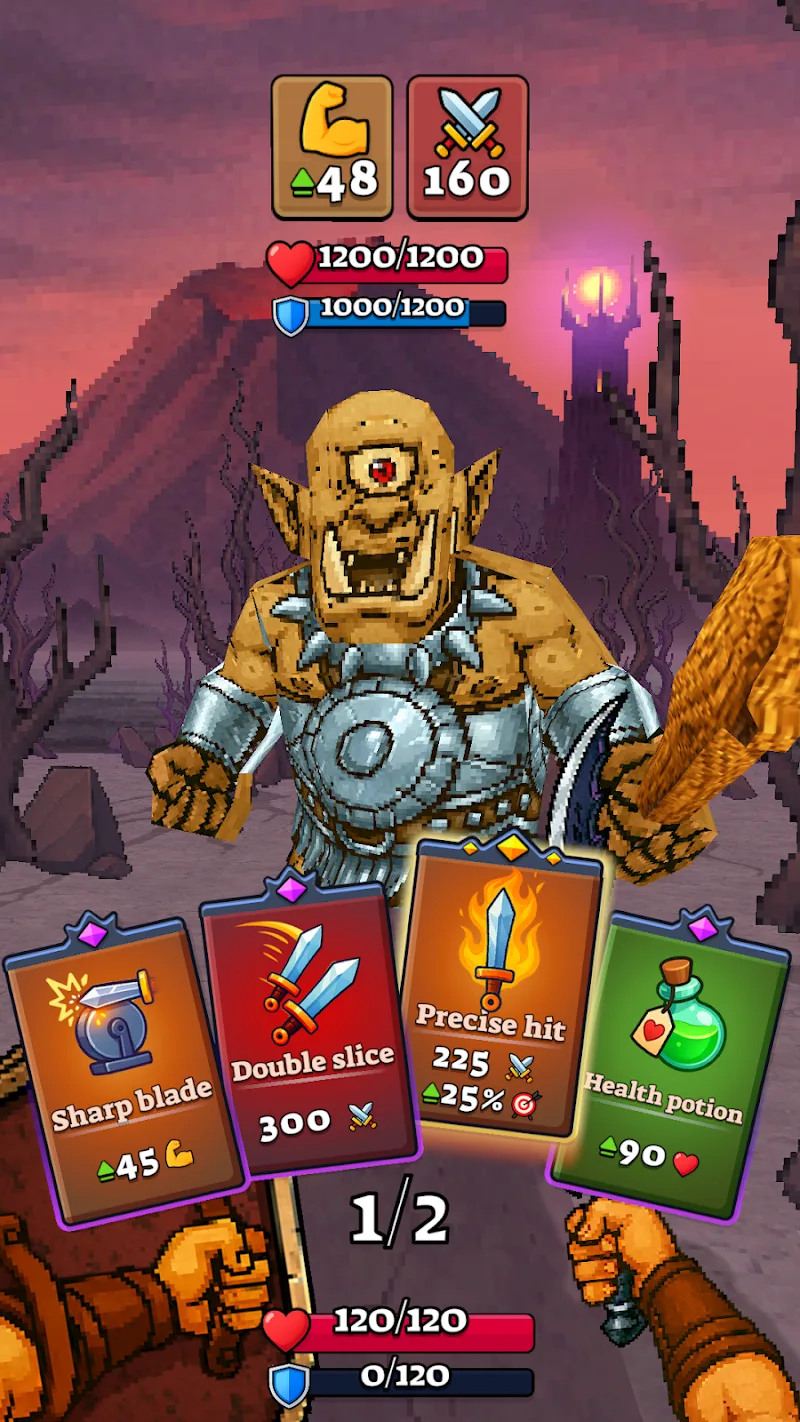
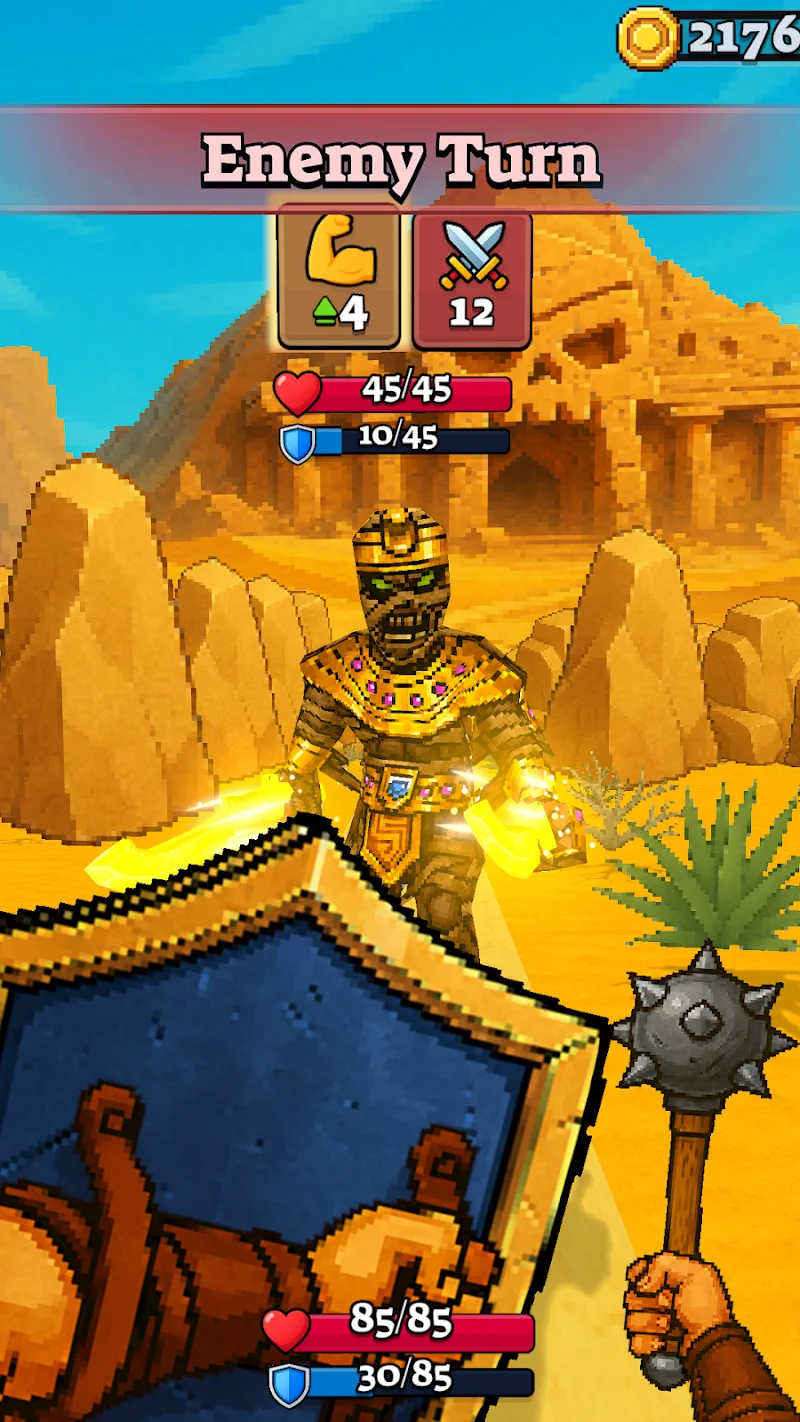
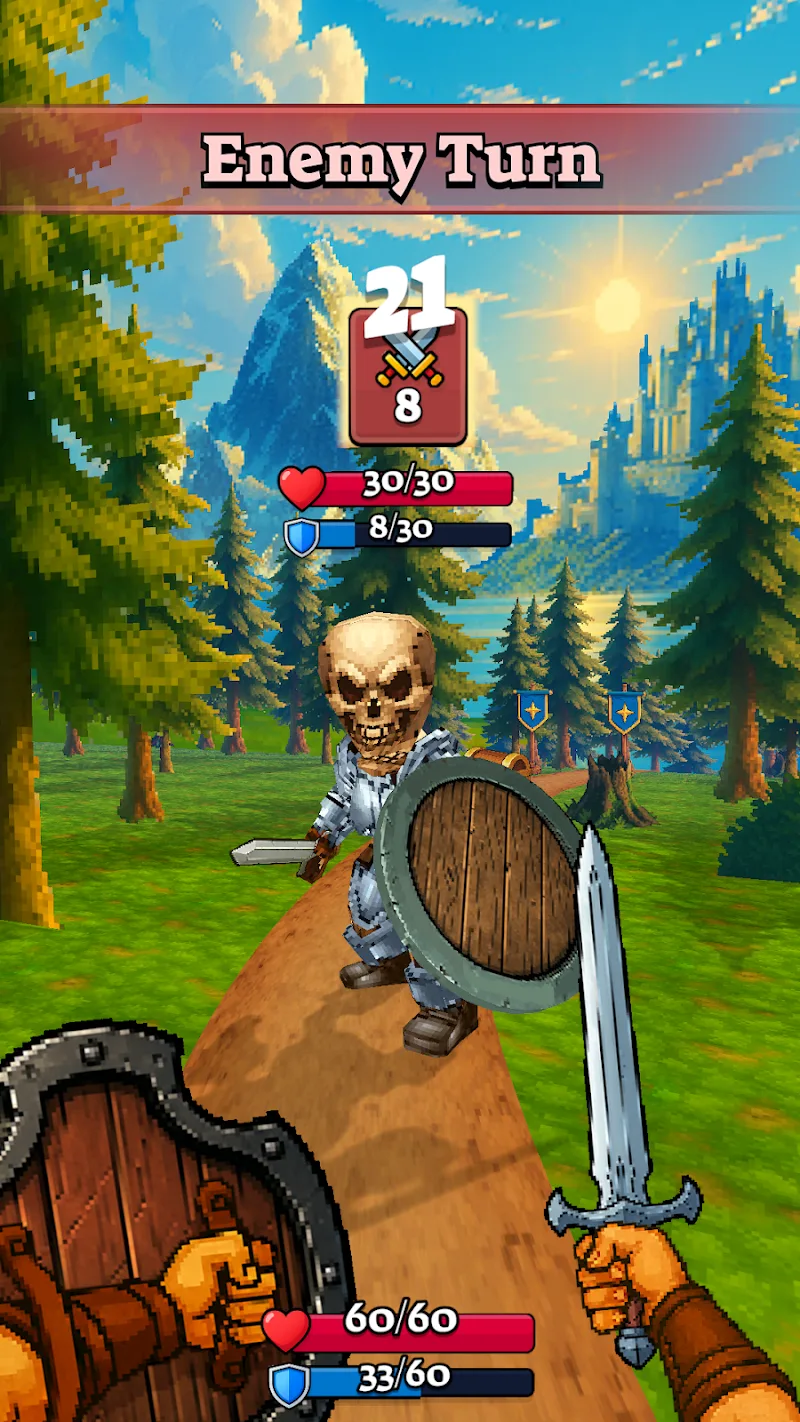
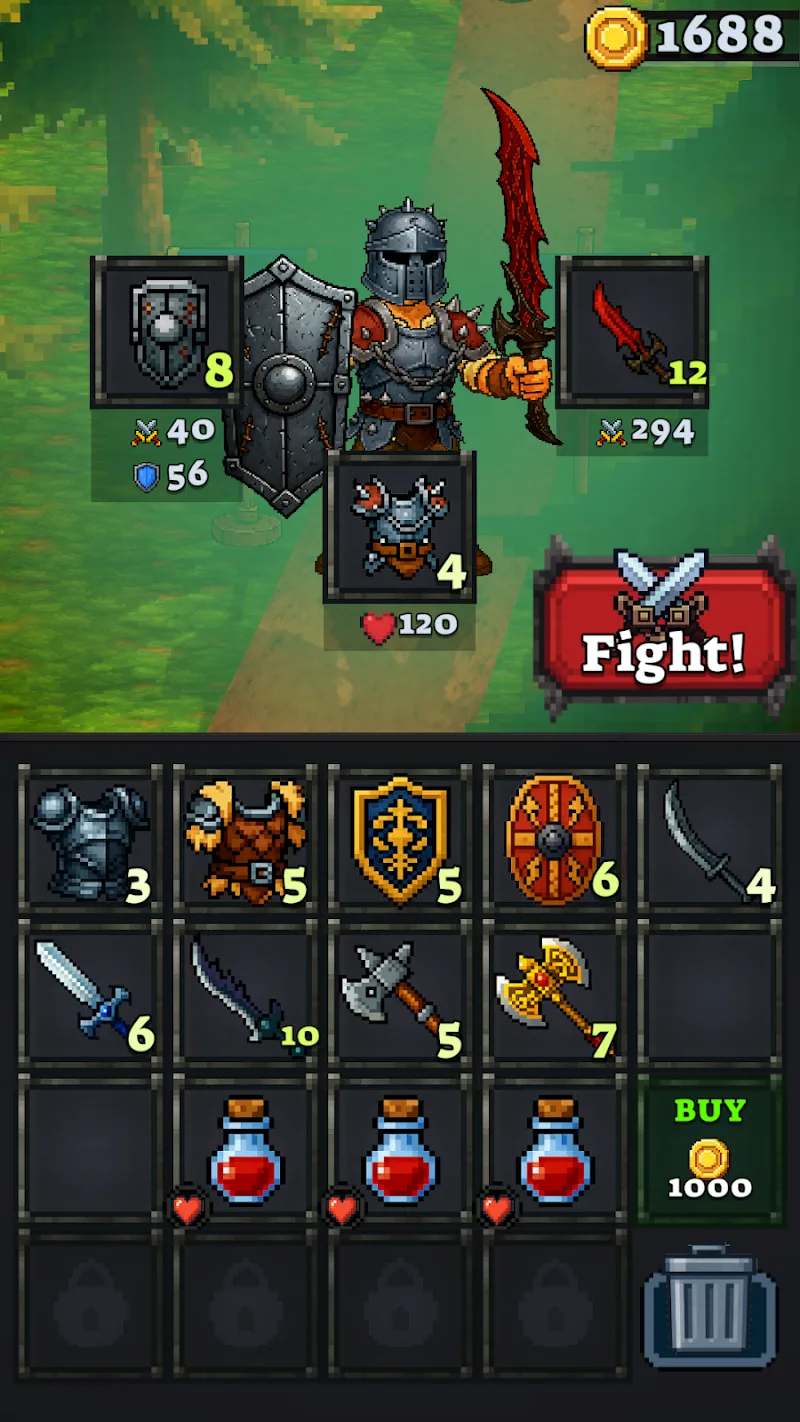
Deck & Dagger Mod is a single-player turn-based role-playing game centered on strategic card combat. It targets players who enjoy tactical resource management and deck-building within a fantasy narrative. The core loop involves exploring a world map, engaging in card battles against various enemies, and collecting new cards and equipment to strengthen the player character.
What This Mod Unlocks
- Mod Menu: A persistent overlay interface accessible from within the game.
- Damage Multiplier: A slider within the Mod Menu allowing the player to adjust damage output from 1x to 100x the normal value.
- God Mode: A toggle within the Mod Menu that prevents the player character from taking damage.
- High Coin Drop from Enemies: Enemy coin drops are significantly increased, providing a substantial resource boost.
The Mod Menu is activated by tapping a floating icon that appears on the screen shortly after the game loads. This icon is typically semi-transparent and can be moved. Tapping it opens the menu where the damage multiplier, god mode, and other toggles are located. These settings are applied in real-time during battles.
The mod requires Android 7.0 or higher. The installation file size is approximately 93.5 MB. Root access is not required for installation or functionality.
Installation Steps
- Download the Deck & Dagger Mod APK file.
- Enable installation from unknown sources in your device's security settings.
- Open the downloaded file using a file manager app.
- Follow the on-screen prompts to install the application.
- Launch Deck & Dagger Mod from your app drawer.
Known Edge Cases
- The Mod Menu icon may be obscured by certain in-game UI elements during specific screens; minimizing and reopening the game often re-centers it.
- Extreme damage multipliers (e.g., 100x) can cause visual glitches with damage number pop-ups.
- As a single-player, offline game, there is no server detection risk. However, clearing the app's data will reset all game progress, though the mod features will remain present upon a fresh start.