

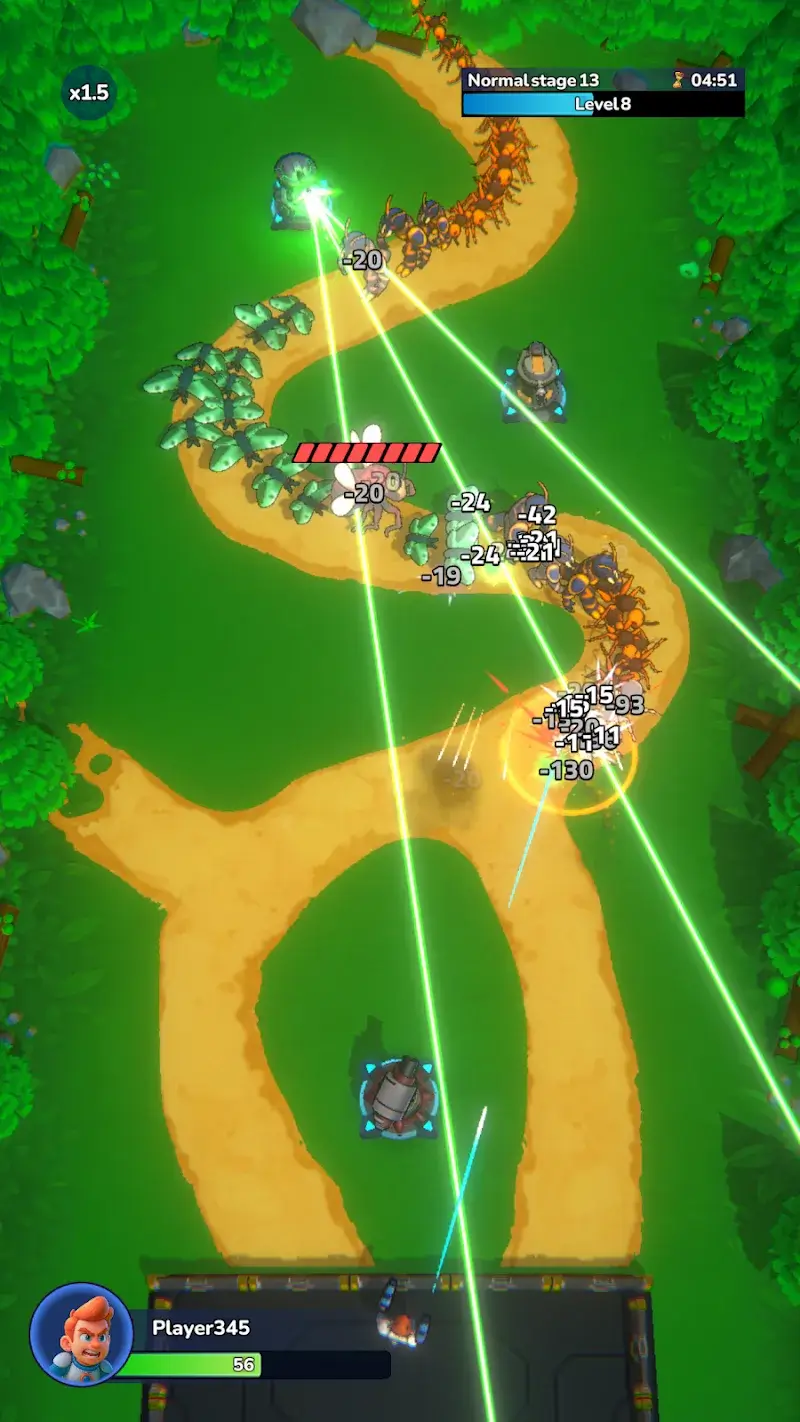



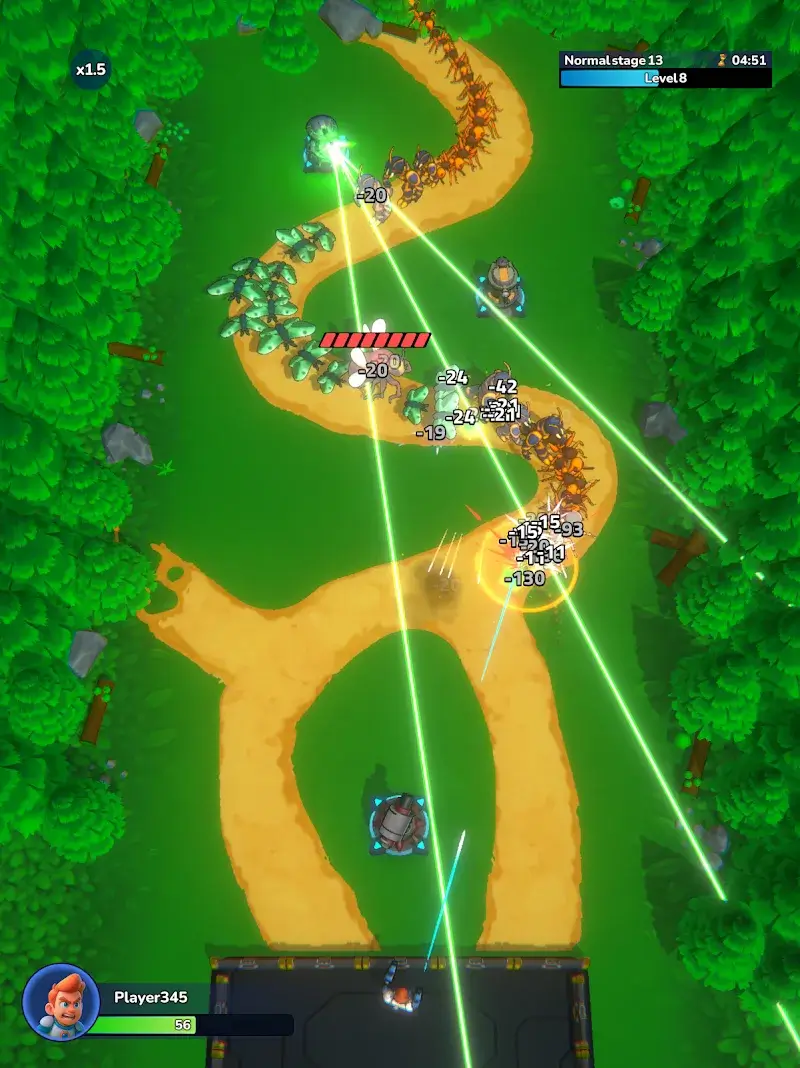

Bugs Attack Tower Defence Mod is a strategy game that merges traditional tower defense mechanics with active hero control. Players defend their base against waves of insectoid enemies by placing static towers and directly controlling a mobile hero unit. The game is designed for players who enjoy tactical positioning and real-time micro-management within a defense framework.
What This Mod Unlocks
- Mod Menu: A persistent overlay interface providing toggles and sliders for all modified parameters.
- Experience Multiplier: A configurable multiplier (e.g., 2x, 5x, 10x) applied to all experience points earned, accelerating hero and tower progression.
- Energy Never Decrease: The hero's energy resource, typically consumed for special abilities or movement, remains at its maximum value and does not deplete with use.
- Speed Multiplier: A slider to increase or decrease the game's simulation speed, affecting unit movement, attack rates, and wave progression.
The mod functions by injecting a control panel into the game's rendering layer. This panel is accessible from any screen after launch.
To activate the primary mod features, launch Bugs Attack Tower Defence Mod and look for a semi-transparent button or icon floating on the screen, typically in a corner. Tapping this opens the Mod Menu. From there, you can enable "Energy Never Decrease" with a toggle and adjust the "Exp Multiplier" and "Speed Multiplier" using sliders. Changes are applied immediately in-game.
The mod APK for Bugs Attack Tower Defence Mod requires Android 6.0 or higher. Installation consumes approximately 175 MB of storage. Root access is not required. The APK is signed with a non-original certificate, requiring the user to allow installation from unknown sources.
Installation involves three steps. First, download the APK file. Second, ensure installation from unknown sources is permitted in your device's security settings. Third, open the downloaded file and proceed with the standard Android package installer prompts.
Several edge cases are known for Bugs Attack Tower Defence Mod version 0.3.1. The Mod Menu may obscure critical UI elements during intense combat; it can usually be minimized. Speed multipliers set too high can cause physics glitches or soft-lock stages. Progress accelerated via the experience multiplier is client-side only and may not sync if the game implements server-side validation in future updates. Clearing the app's data resets all mod settings to default.