
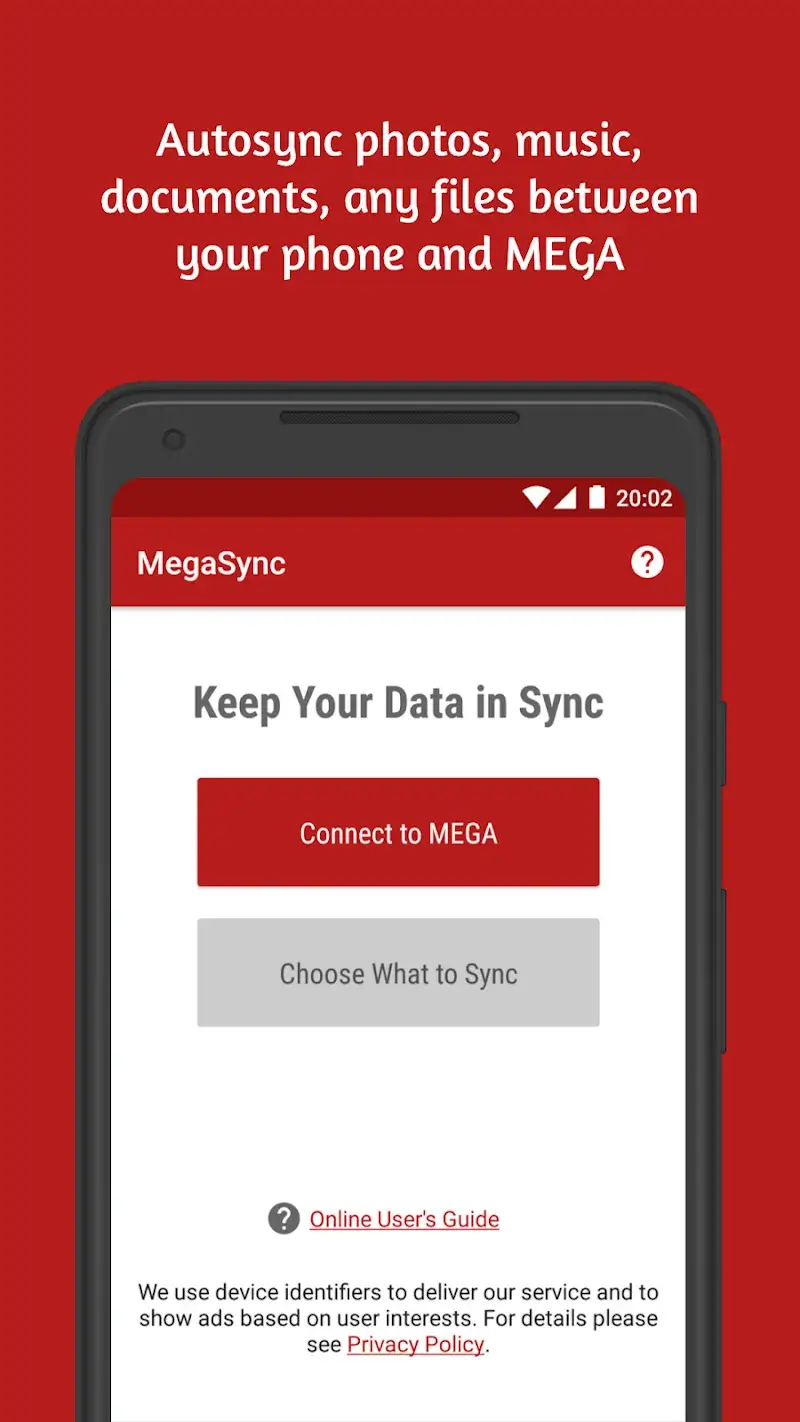
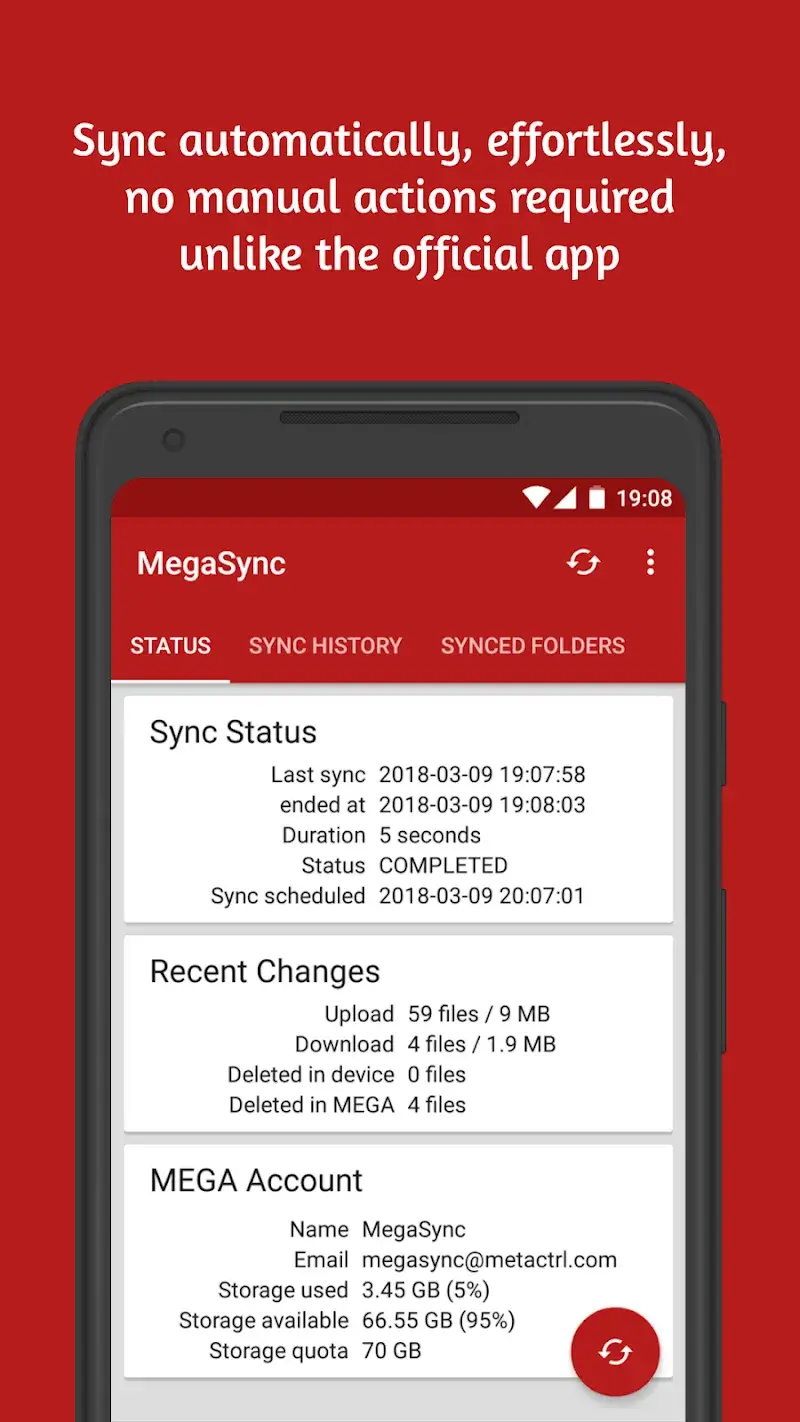
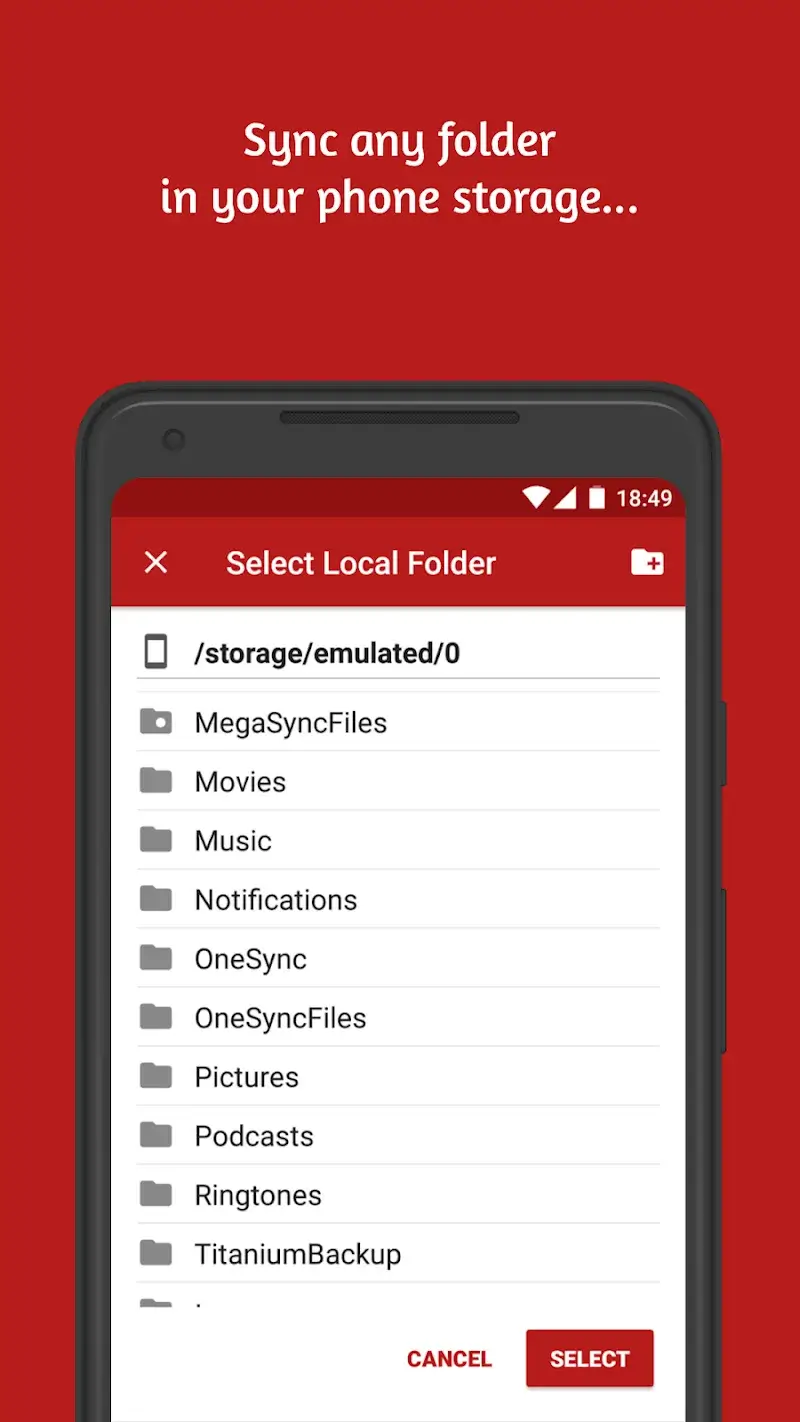
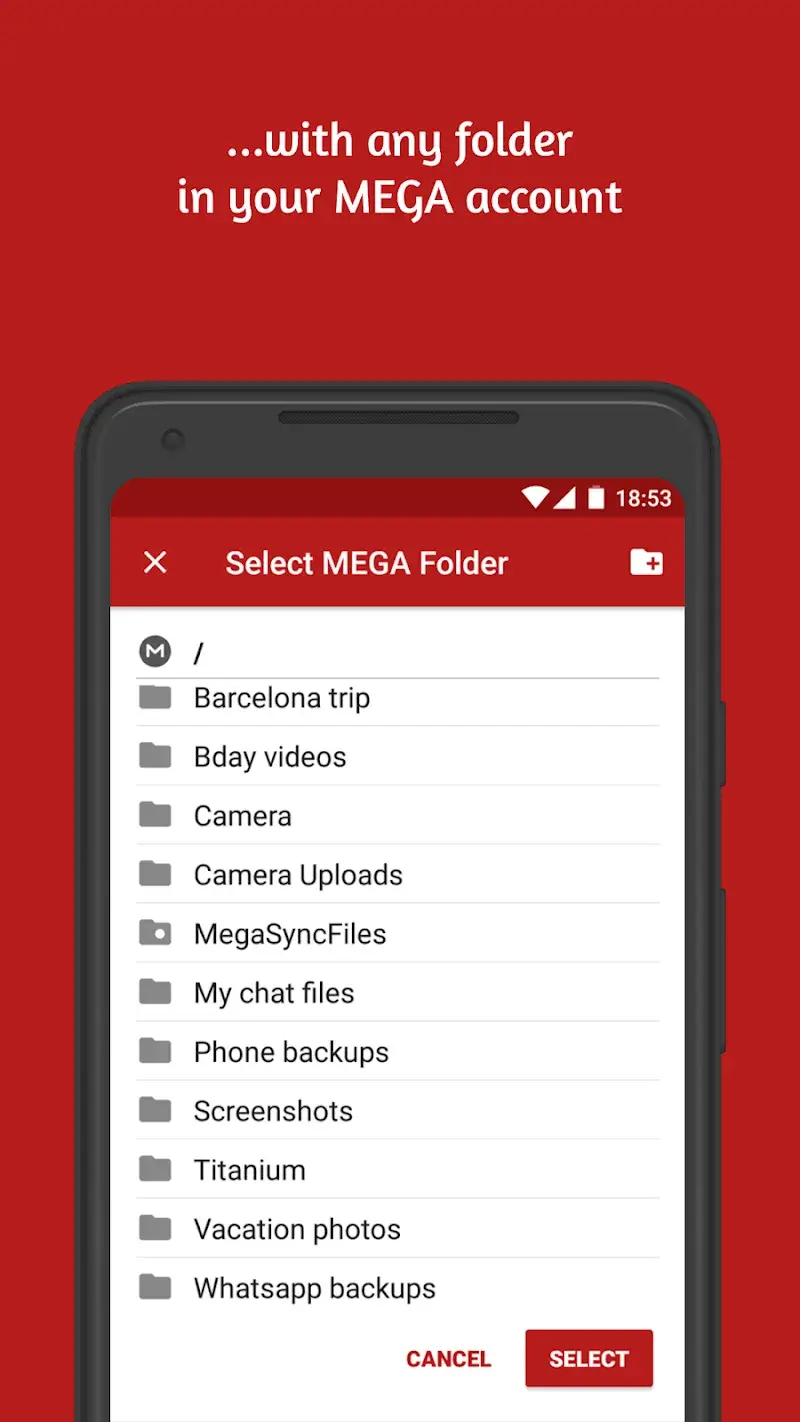
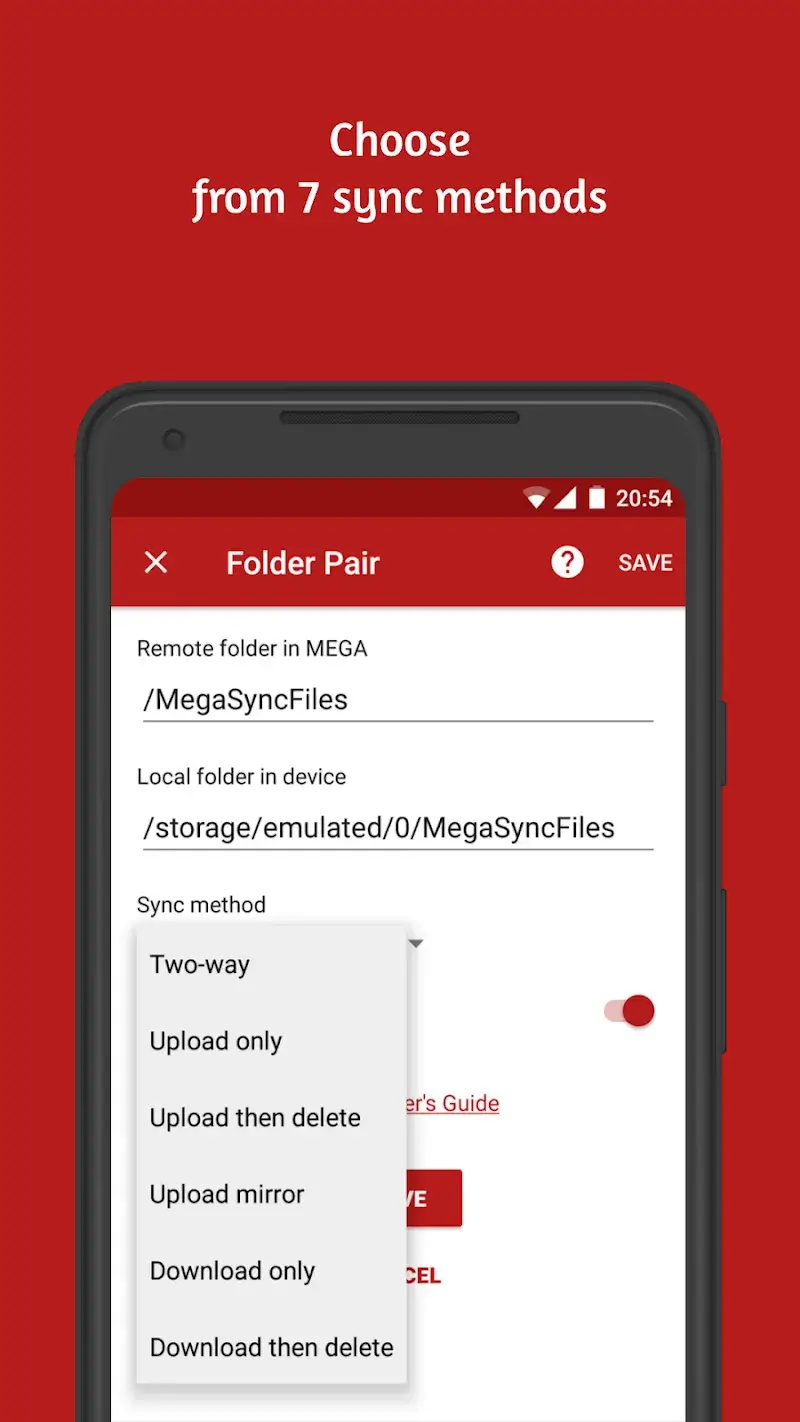
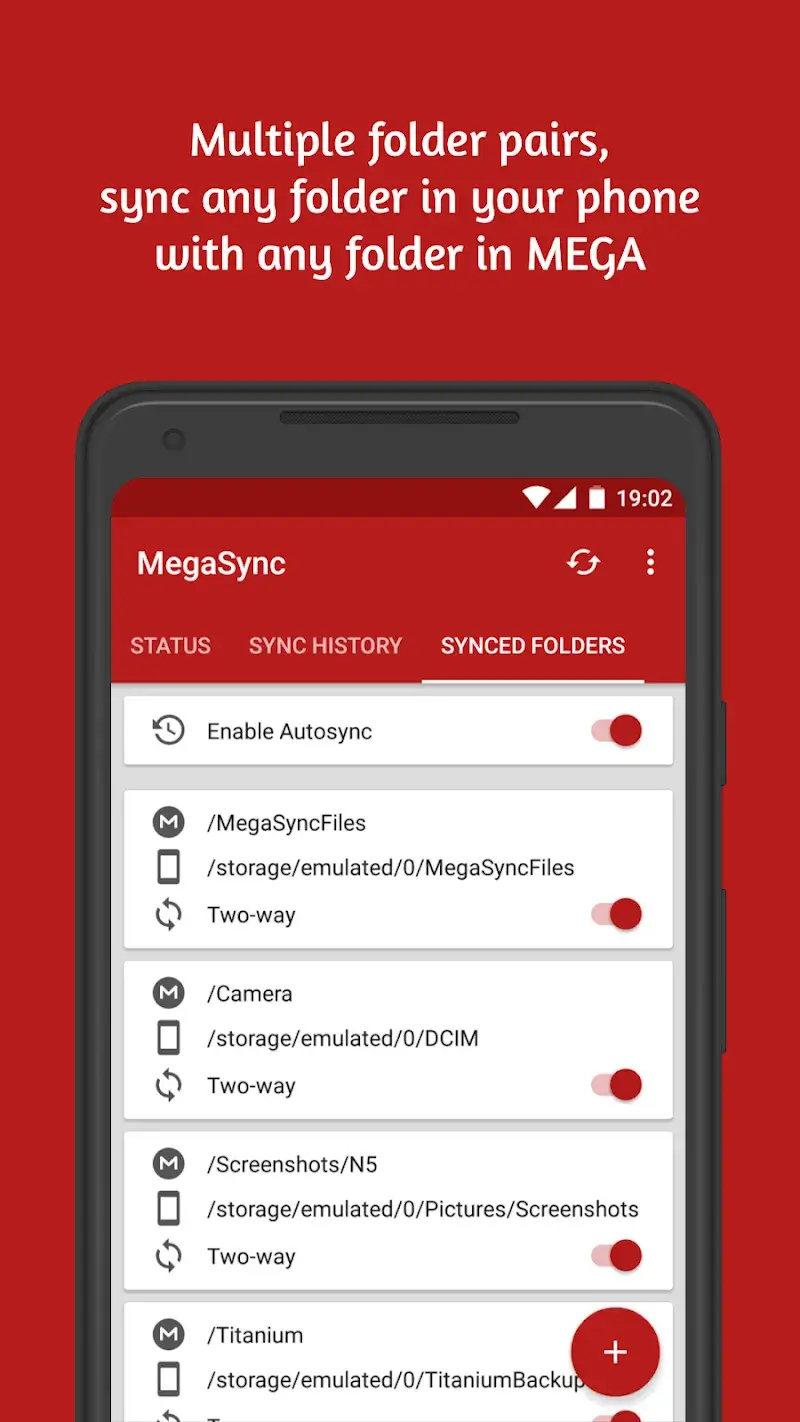
Autosync for MEGA - MegaSync Mod is a specialized cloud synchronization tool designed for users of the MEGA file storage service. It provides automated two-way file sync between local folders on an Android device and designated folders within a MEGA cloud account. The app targets users who require continuous, hands-off file backup and synchronization across multiple devices without manual uploads or downloads.
What This Mod Unlocks
- Ultimate version license activated, removing all feature restrictions present in the official Lite version.
- Sync interval limits removed, allowing continuous or sub-hourly automated sync cycles.
- File size restrictions for synchronization are disabled.
- Maximum number of sync folder pairs limitation is lifted.
- All premium features, including conflict resolution modes and advanced sync filters, are fully accessible.
- In-app purchase prompts and upgrade nags are disabled.
The mod functions by patching the license verification routine within the app. This grants permanent access to the Ultimate tier without requiring a subscription or one-time payment through the Google Play Store.
Activation Note
Upon first launch of Autosync for MEGA - MegaSync Mod after installation, the app will display "Ultimate" in the settings menu or title bar. No further activation steps are required; all premium features are available immediately for configuration.
Requirements
Android 7.0 or higher is required. The APK file size is approximately 27 MB. Additional storage is needed for cached sync data and the app's operational files. Root access is not required for installation or functionality.
Install Steps
1. Download the modified Autosync for MEGA - MegaSync Mod APK file.
2. Enable installation from unknown sources in Android settings.
3. Open the downloaded file using a file manager to begin installation.
4. Follow the on-screen prompts to complete installation.
5. Launch the app and log in with your MEGA account credentials to begin setup.
Known Edge Cases
The mod may trigger a license check failure if the device loses internet connectivity during initial app launch, requiring a restart. Using the mod with a MEGA account that has an active official subscription could cause conflicting license states. Clearing the app's data resets all configured sync folders but does not revert the mod license status. The mod does not alter or interfere with the MEGA cloud API connection or file encryption.