

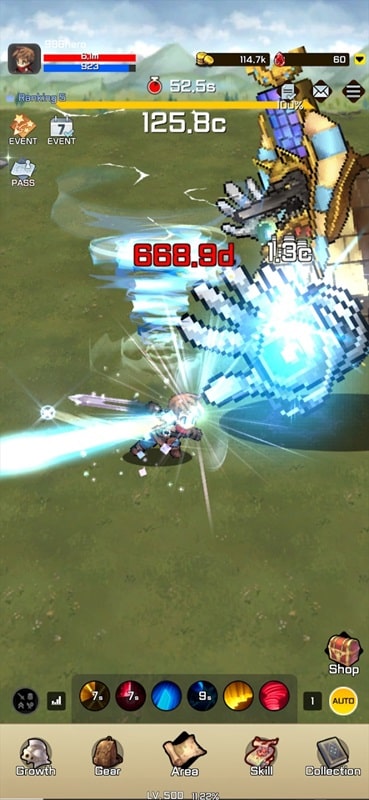
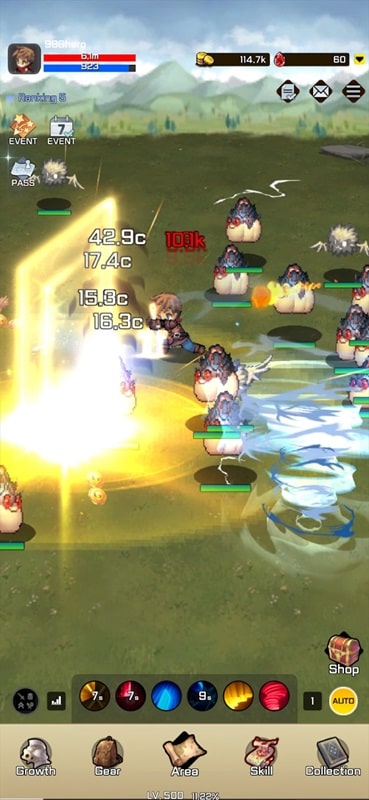
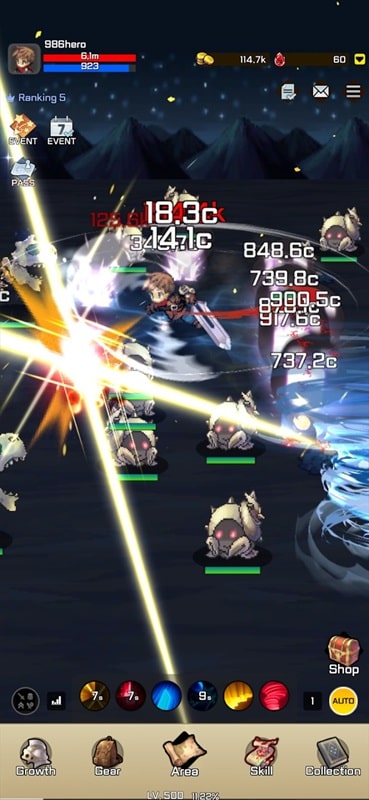

999th Hero Mod is an idle role-playing game focused on incremental progression. Players manage a hero candidate competing against thousands of others, automating battles to gain resources, complete quests, and upgrade skills. The core loop involves optimizing growth through equipment and skill upgrades to tackle increasingly difficult challenges. This mod APK targets players who want to bypass the grind inherent in the idle RPG genre.
What This Mod Unlocks
- A mod menu overlay is injected into the game, accessible via an on-screen toggle.
- God Mode prevents the player's hero from taking any damage from enemy attacks.
- Damage Multiplier allows the player to adjust the damage output of their hero, scaling attack power.
- Defense Multiplier allows the player to adjust their hero's damage reduction, scaling defensive stats.
- The mod features are client-side and do not alter server-side progression data.
The mod menu is activated by tapping a small, semi-transparent icon that appears on the edge of the screen shortly after the 999th Hero Mod main game loads. Tapping this icon expands the menu to reveal the toggle switches and sliders for the god mode, damage multiplier, and defense multiplier features.
This version of 999th Hero Mod mod APK requires Android 6.0 or higher. The installation package is approximately 103 MB. Root access is not required. The mod operates by modifying the game's local memory values.
Installation follows the standard sideload process for modified APKs. First, enable "Install from Unknown Sources" in Android settings. Second, download the mod APK file. Third, locate the downloaded file using a file manager and tap to install. Fourth, launch the game and confirm the mod menu icon appears.
Several edge cases are present. The god mode feature may cause certain scripted story events or tutorials to fail to progress if they require the hero to take damage. The mod menu icon may be obscured by certain in-game UI elements during cutscenes or full-screen menus. Using extreme multiplier values can cause integer overflow, resulting in displayed damage values becoming incorrect. Clearing the app data or cache will reset any multiplier settings back to their default state.